

Getting started with lists
To get started, we’ll focus on three different lists you can create from scratch.- Cohort Lists - Use organization lists to track different cohorts and their progression through the pipeline for each application/cycle.
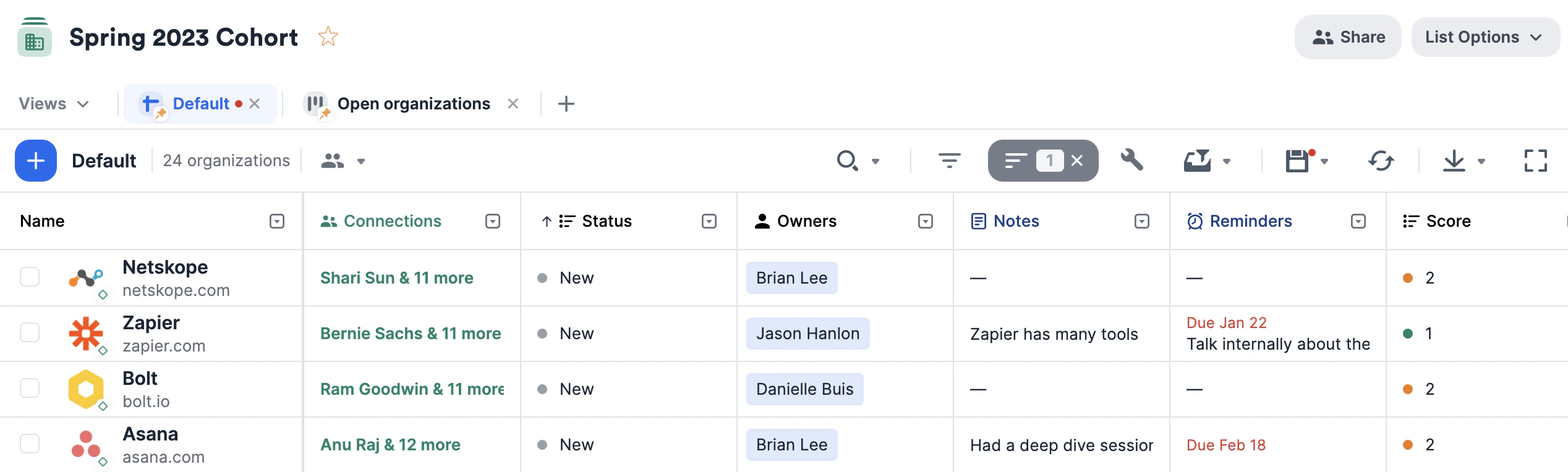
- If you’re on the Advanced or Enterprise tiers, you can use our native Typeform integration to auto-fill these lists based on Typeform submissions.
- Leverage the default Status, Owners, Notes, and Reminders columns to track the progression of different applicants.
- Filter and sort by different columns to create a saved view based on your preferences.
- When you’re ready to track the next cohort for the next cycle, you can use the Copy List Template feature.
- Partnership Development Lists - Use organization lists to track potential partnership opportunities with other companies.
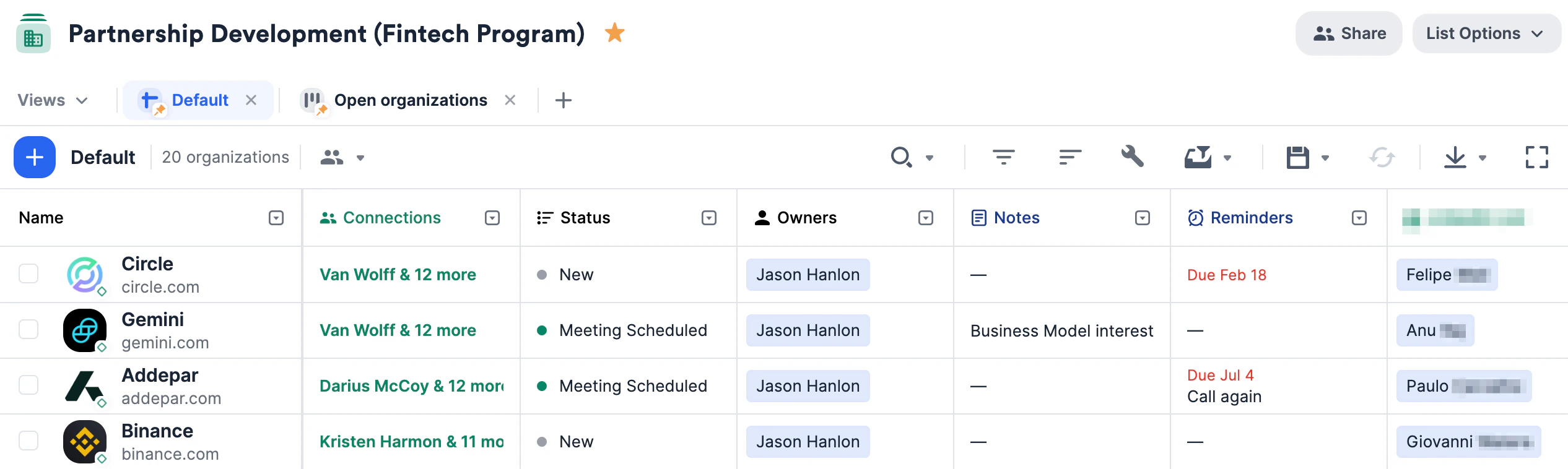
- Leverage the default Status, Owners, Notes, and Reminders columns to track the outreach efforts with these potential partners.
- Keep these relationships warm by setting up reminder triggers.
- Create email templates, then use the personalized bulk email feature to reach out.
- Mentors and Investors Lists - Use people lists to track your/your team’s relationships with mentors and investors as they relate to your programs.
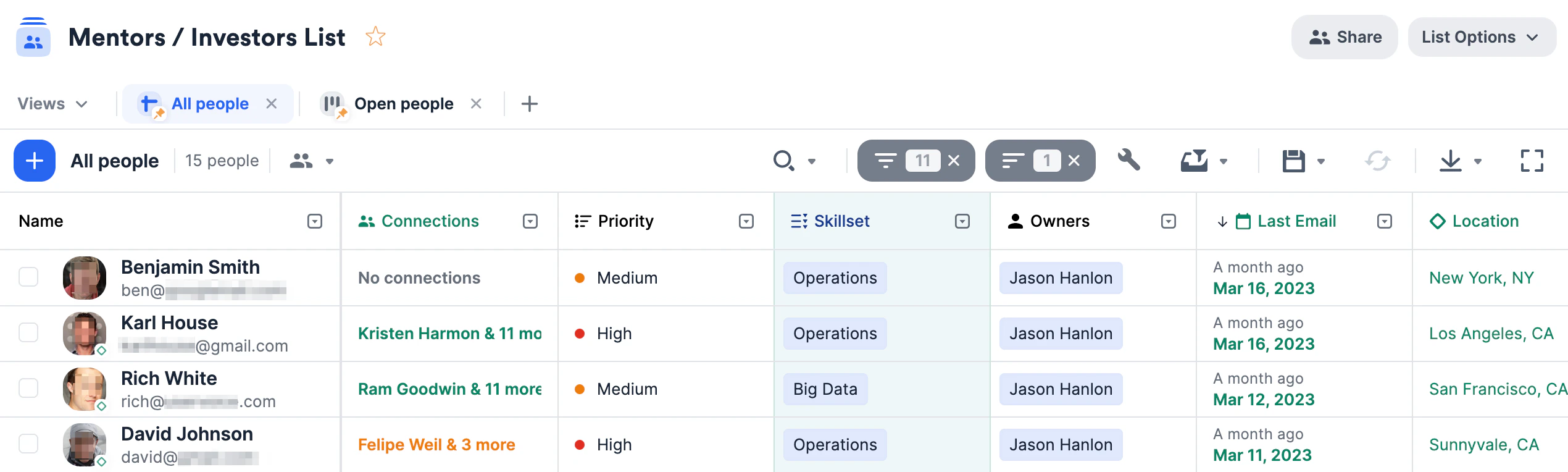
- Create custom columns like Priority and Skillset to apply quick filters.
- Leverage Affinity Data columns like Industry or Current Job Title.
- Keep these relationships warm by setting up reminder triggers.
Importing data into these lists
Now that you have these lists set up, quickly migrate data from other CRMs into Affinity using our data importer. We highly encourage you to check out our article on How to import your data into Affinity.Getting started with reporting/analytics
Once your lists are filled with relevant data, you can leverage Affinity Analytics if you’re on the Scale, Advanced, or Enterprise tiers.- Getting started with Affinity Analytics
- Affinity Analytics - List Summary Reports
- Affinity Analytics - Introductions Summary Reports
- Affinity Analytics - Team Activity Reports
- Affinity Analytics - Funnel Analysis Reports
- Get notified when certain metrics/thresholds are met using Affinity Analytics alerts.