How-to — task-oriented recipe.
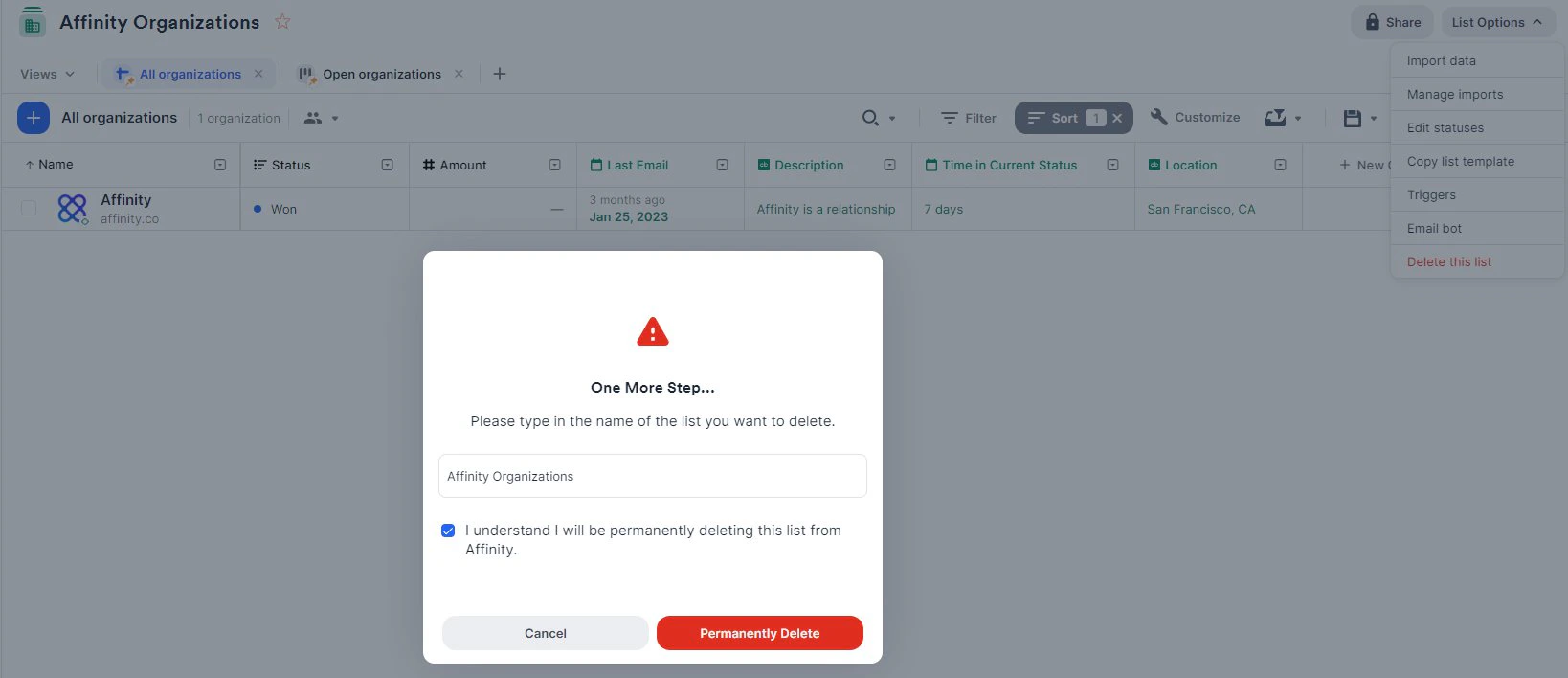
- Click into the list you plan to delete. Make sure you are on a pinned saved view.

- Click List Options on the top-right corner.

- Click Delete this list.

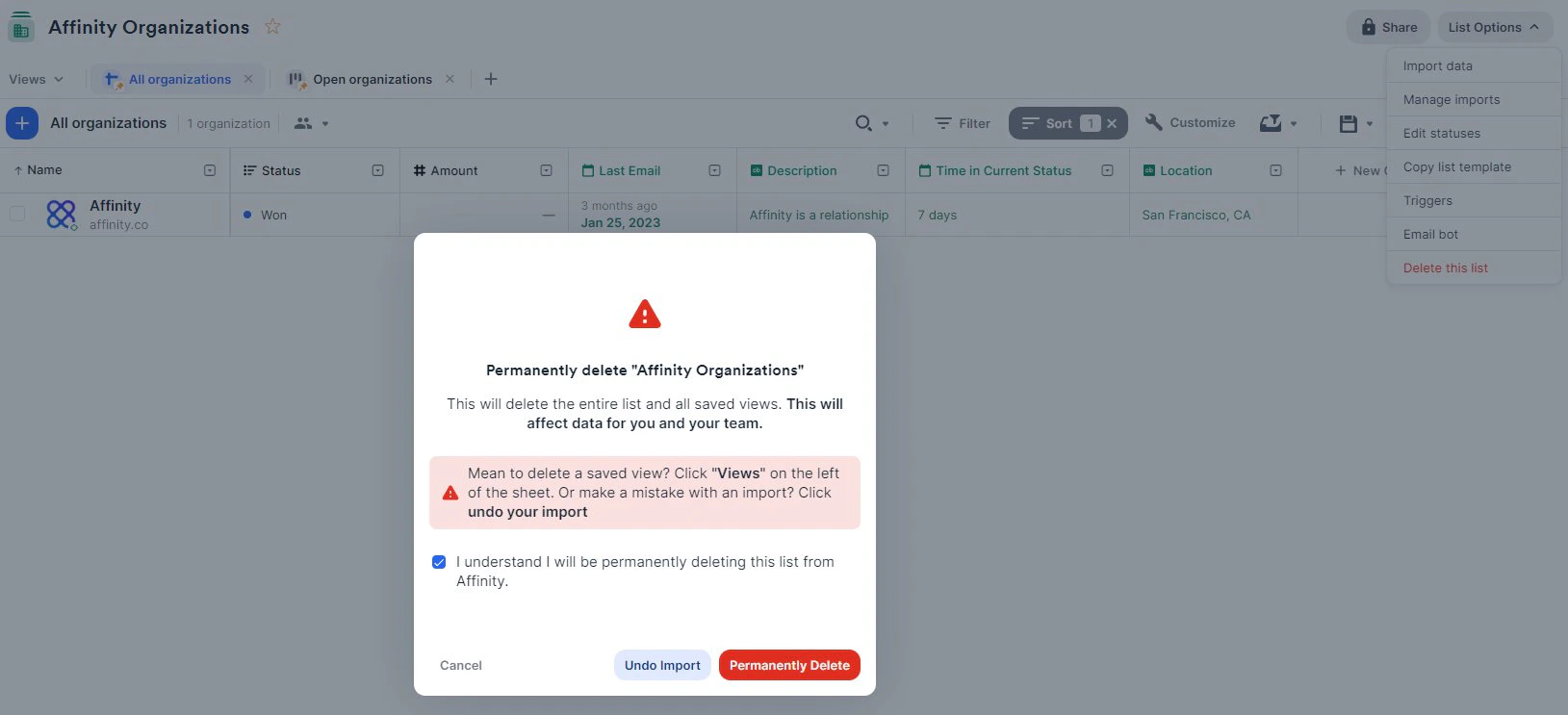
- Check the box, then click the Permanently Delete button.
- Type in the name of the list you want to delete. Check the box, then click the Permanently Delete button.