Reference — lookup information.
- Please note that Basic Reporting is a legacy feature that is no longer available for new customers.
- For those on the Scale, Advanced, and Enterprise tiers, you can leverage advanced reporting features with Affinity Analytics.
- For those on the Essential tier, we highly suggest upgrading to the Scale, Advanced, or Enterprise tiers to leverage Affinity Analytics.
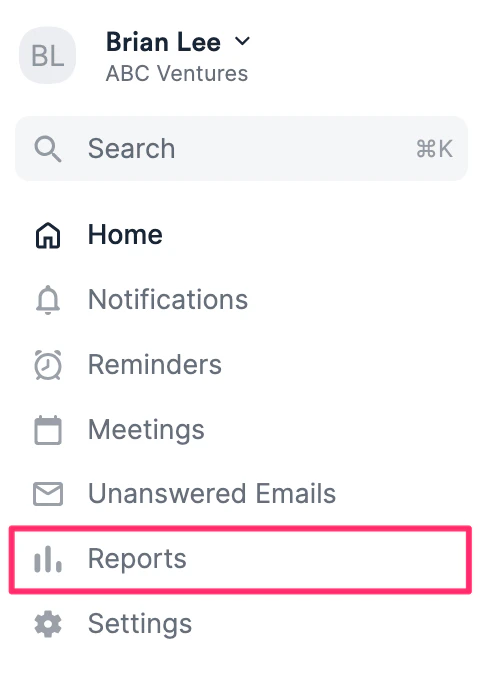
- Click the Reports tab on your global navigation bar.
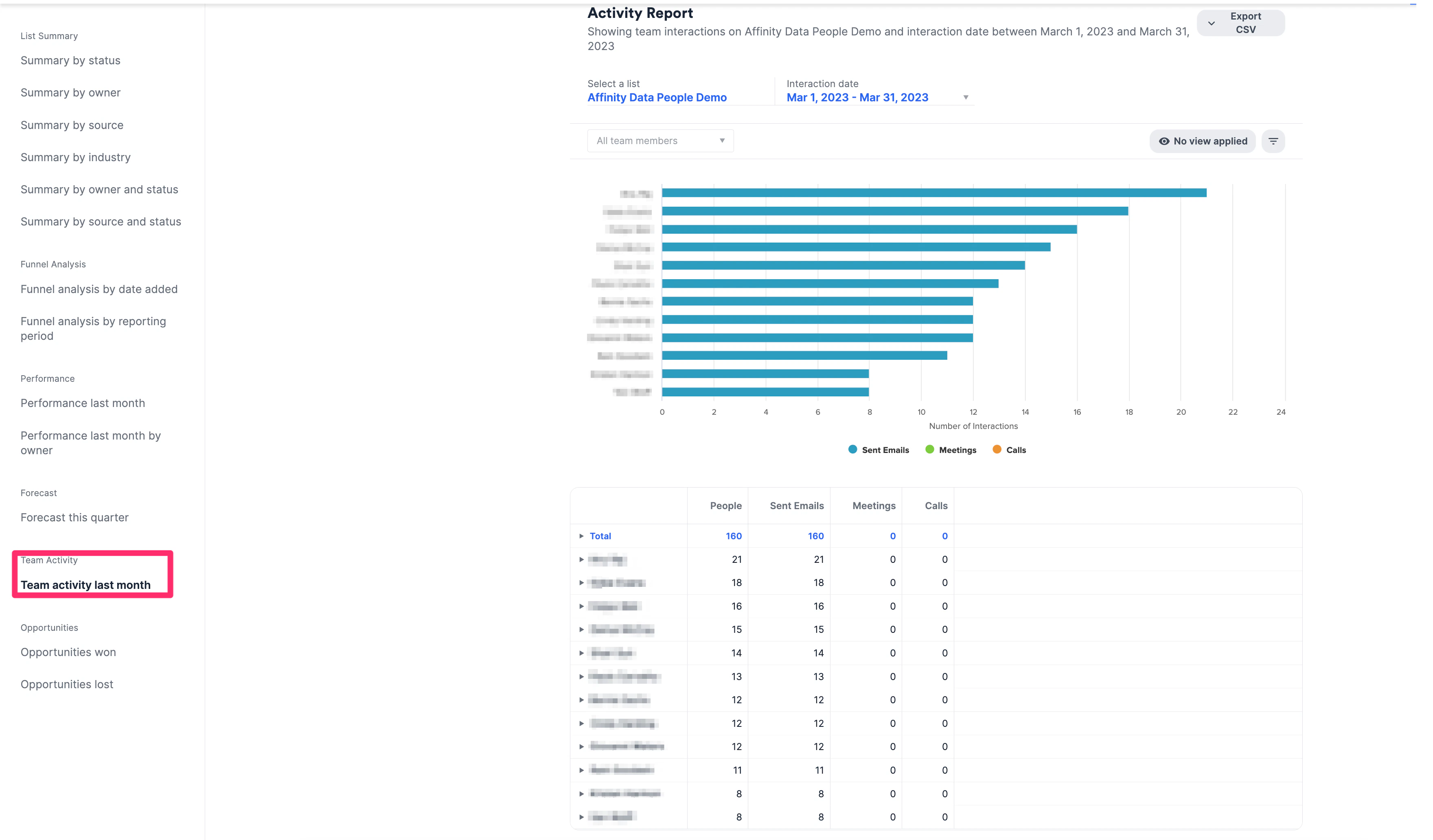
- Click Team activity last month.
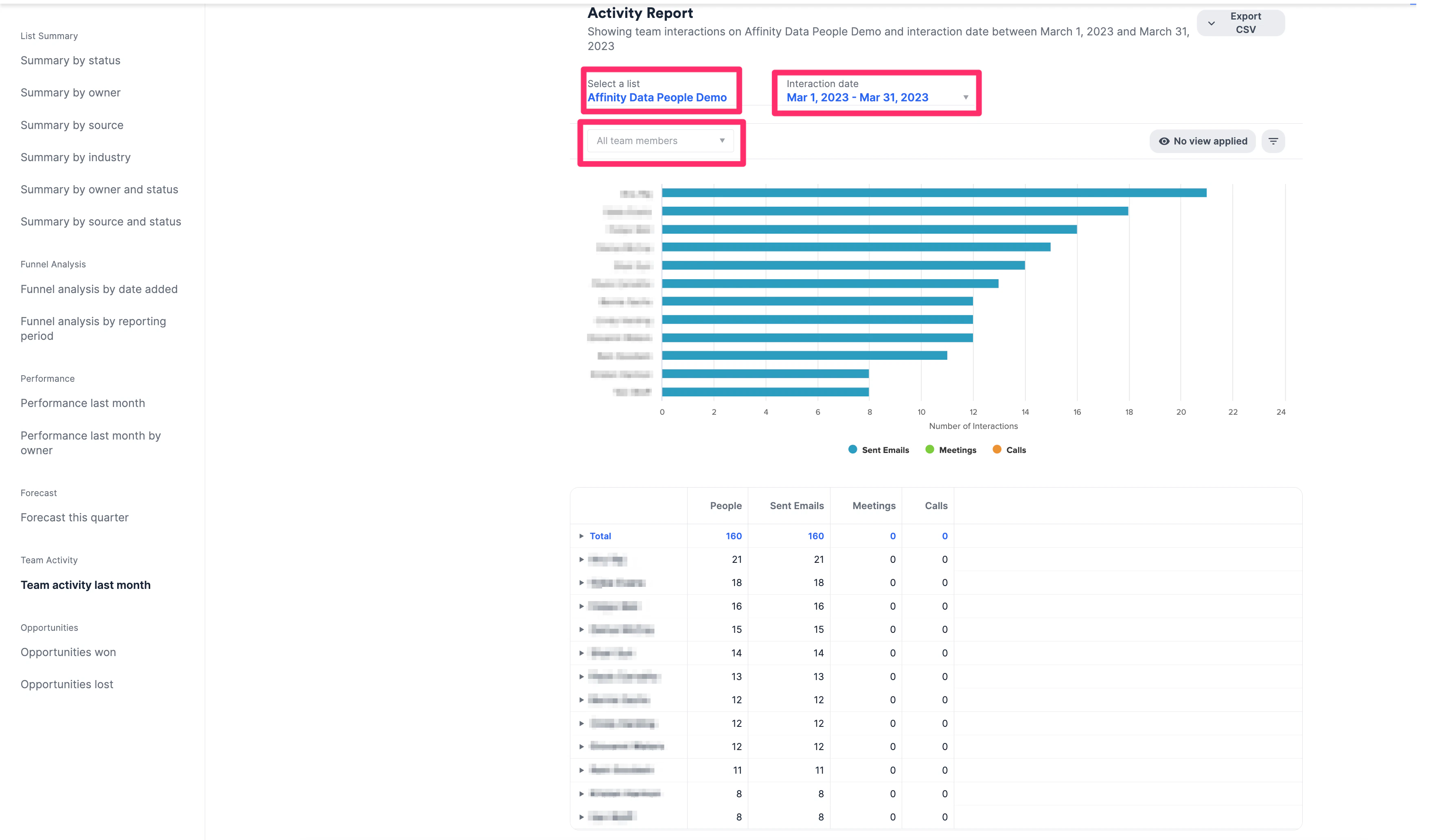
- Select a list and Interaction Date to view how many emails, calls, and meetings your team has across your deals. You can also filter by specific team members.
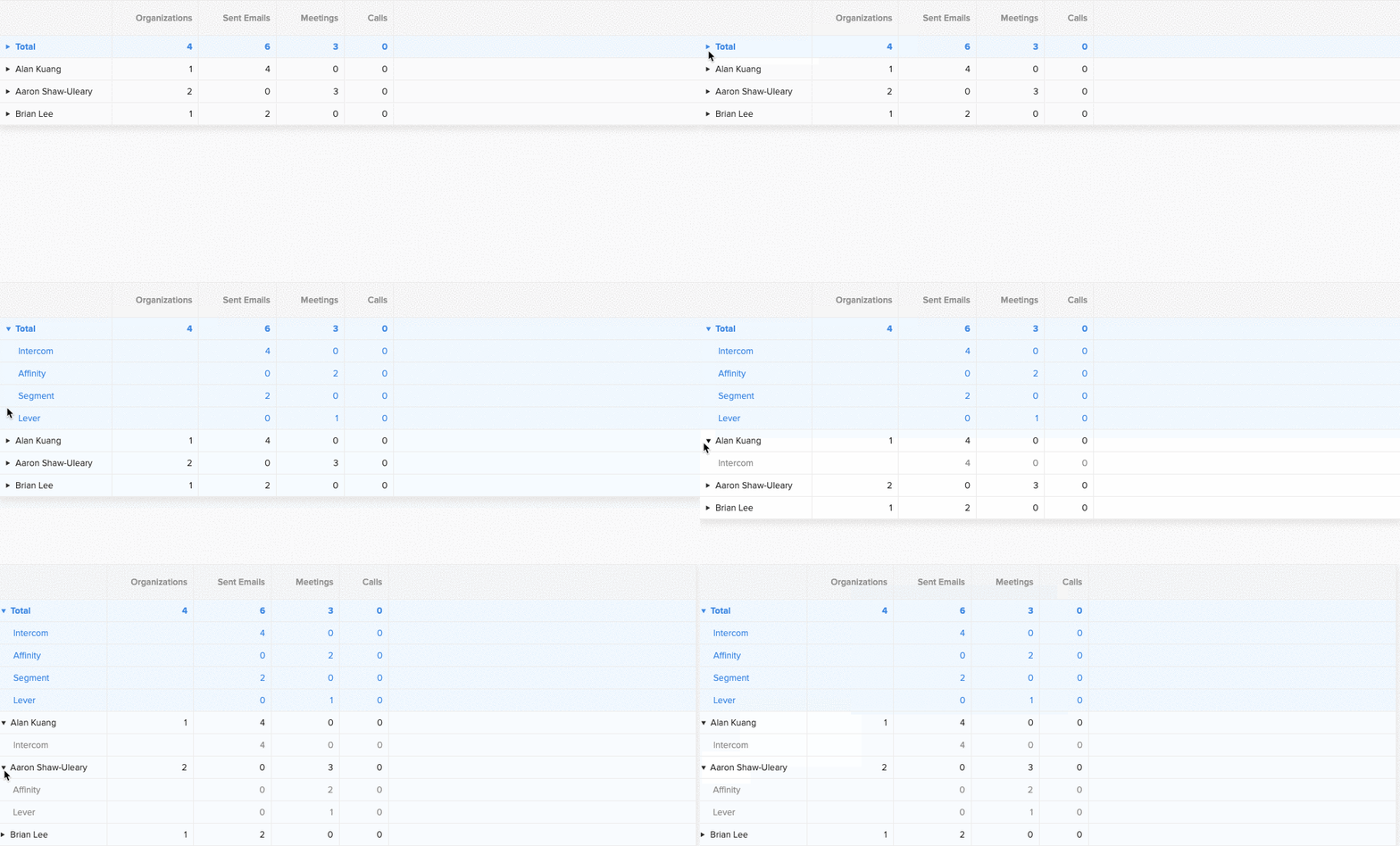
- You can get more granular by clicking on the arrow next to each team member. This opens up a new view which allows you to see their interaction break-down by entity.