Reference — lookup information.
- Please note that Basic Reporting is a legacy feature that is no longer available for new customers.
- For those on the Scale, Advanced, and Enterprise tiers, you can leverage advanced reporting features with Affinity Analytics.
- For those on the Essential tier, we highly suggest upgrading to the Scale, Advanced, or Enterprise tiers to leverage Affinity Analytics.
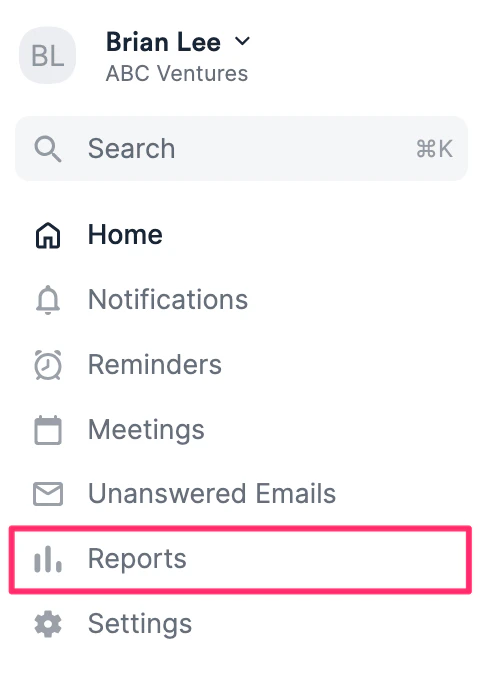
- Click the Reports tab on your global navigation bar.
- Then, scroll down to the Opportunities section and click either Opportunities won or Opportunities lost.
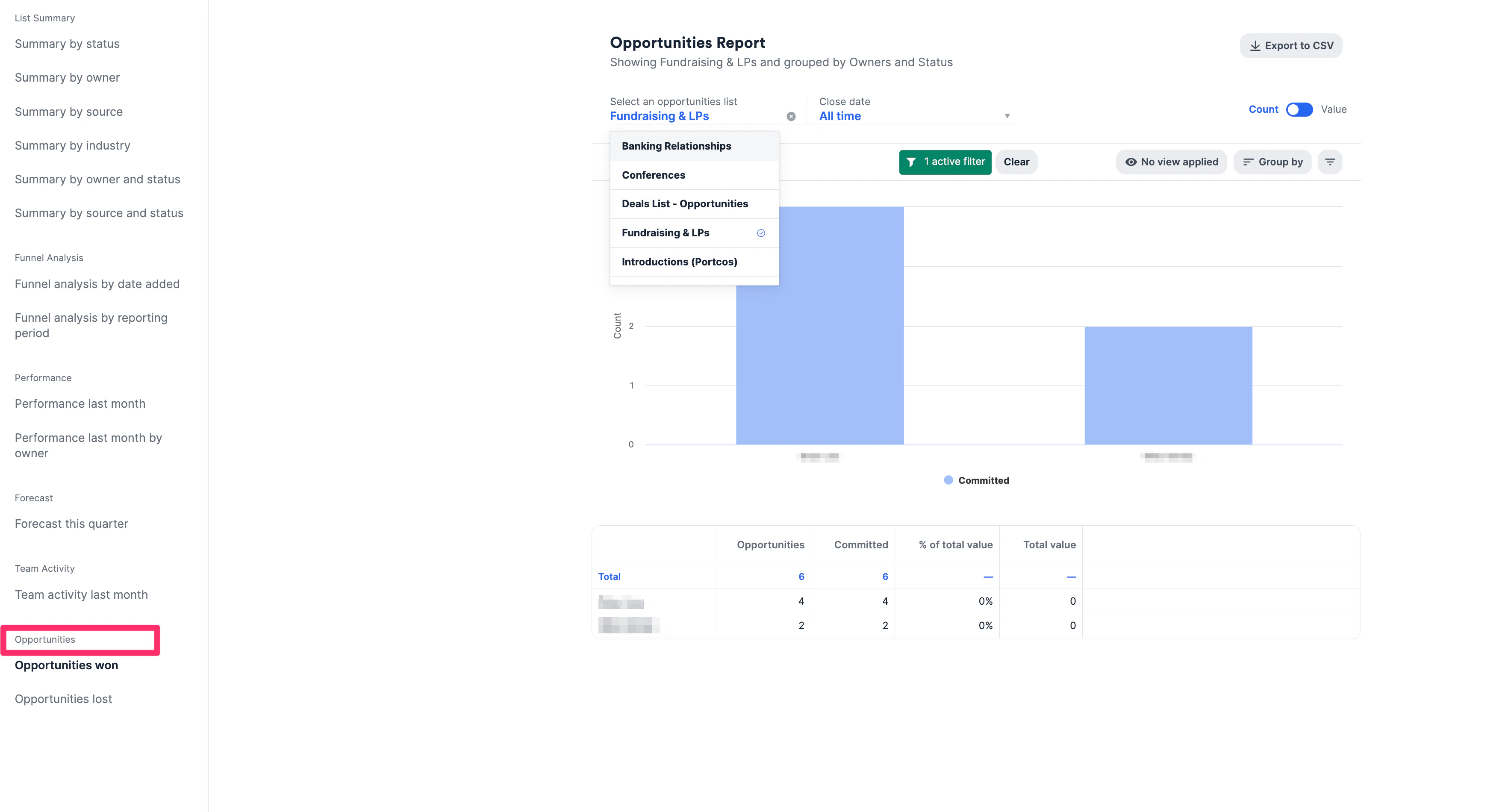
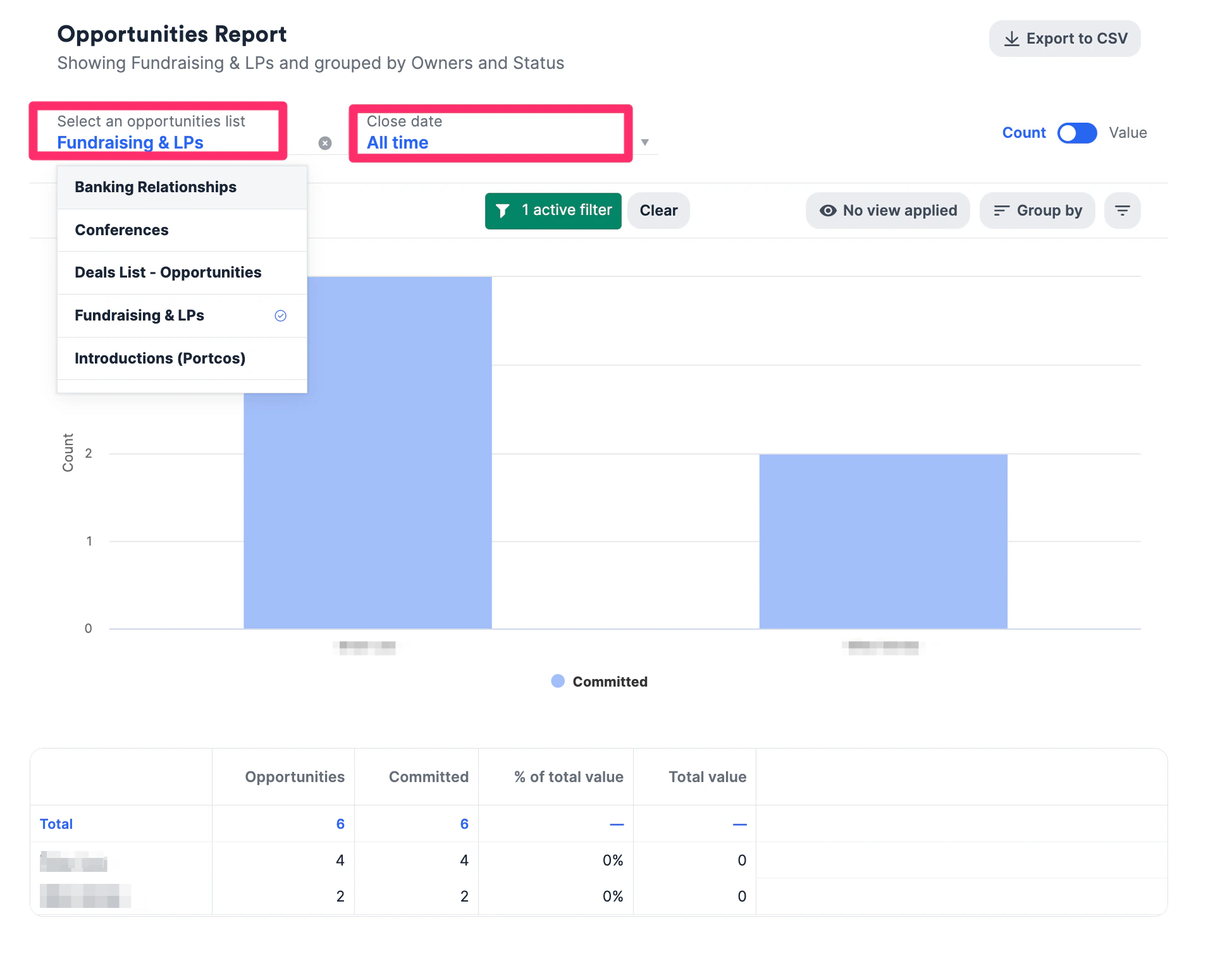
- Select an opportunity-type list and specify a period of time for the Close date to view the number of won or lost opportunities, categorized by each owner. You’ll also notice a table just below the bar graph, which lays out how many opportunities each team member has and how many they won.