Reference — lookup information.
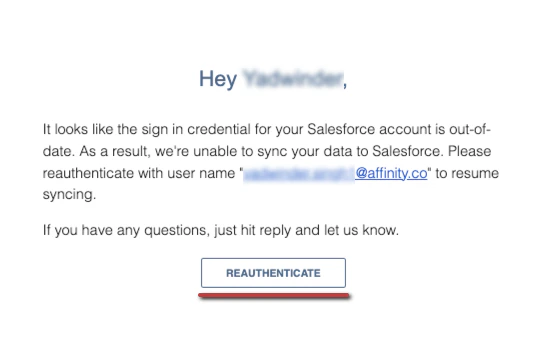
- Click on the email sent by Affinity, then click Reauthenticate. This will take you to your Settings within your Affinity for Salesforce instance.
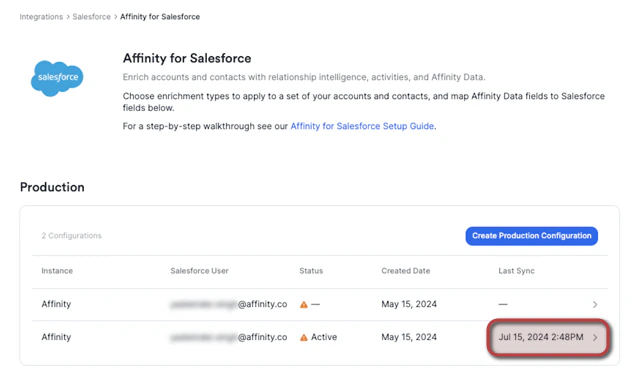
- From here, click on the credential that has been disabled. You’ll notice under the Status column that there is a warning sign indicating that it has been disabled.
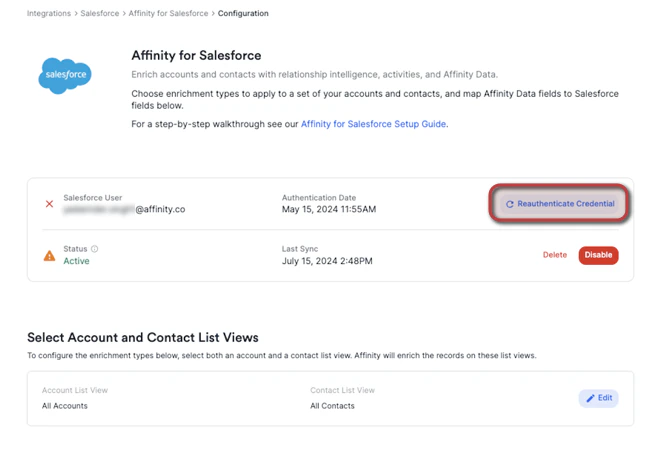
- Then, click Reauthenticate Credential. This will take you to a Salesforce sign in page to verify your credentials.
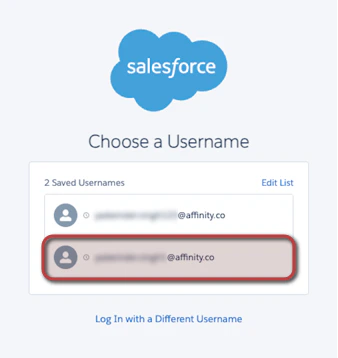
- Click on the correct username that is tied to your Affinity for Salesforce instance as the dedicated integration user, then sign in to authenticate.
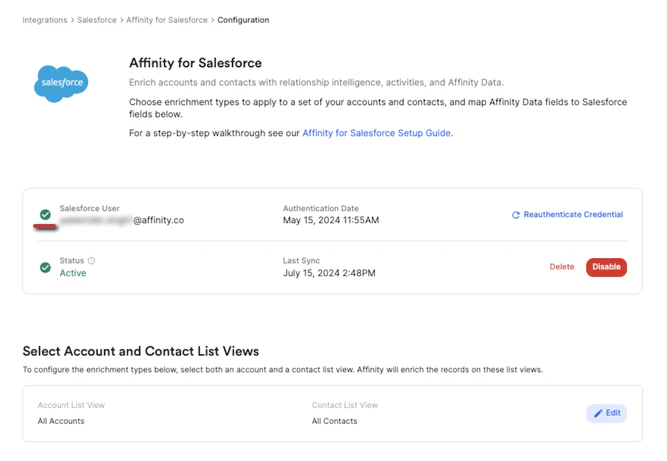
- Once you have signed in, you will be redirected to your Settings within your Affinity for Salesforce instance. You should now see the green verification symbol confirming that you have reauthenticated successfully.