How-to — task-oriented recipe.
Who can access PitchBook’s native integration in Affinity?
* You must also have an existing PitchBook subscription in order to access and set up the PitchBook integration.
Interested in upgrading to Advanced or Enterprise? Please reach out to your Affinity point of contact or support@affinity.co.
Which PitchBook fields are supported in Affinity?
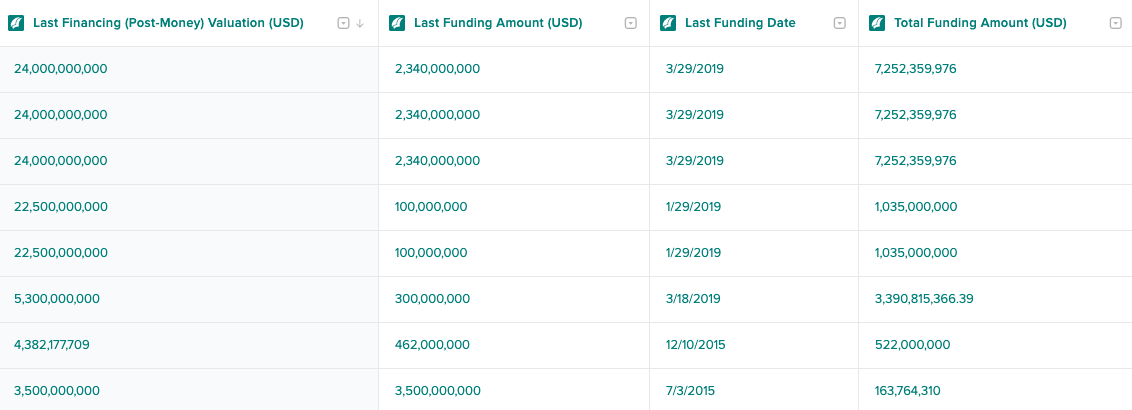
- AUM (USD Millions)
- Description
- Industry
- Investors
- Investees
- Investment Stage
- PitchBook URL
- Financing Status
- Last Funding Date
- Last Funding Amount (USD)
- Last Financing (Post-Money) Valuation (USD)
- Total Funding Amount (USD)
- Location
- Number of Employees
- Number of Investment Professionals
How often is PitchBook data updated in Affinity?
PitchBook data in Affinity is updated on a daily basis.Who can integrate Affinity with PitchBook Data?
You must be an Affinity customer on the Advanced or Enterprise tier, and also have an existing PitchBook subscription in order to purchase PitchBook credits for enrichment. Note that PitchBook handles all pricing and purchasing conversations.- If you are not a paying PitchBook customer, you can request a one-time 14-day free trial for your entire team at support@affinity.co to see your Affinity lists integrated with PitchBook data.
- If you are a paying PitchBook customer, reach out to your PitchBook representative or email directdata@pitchbook.com to inquire about integrating with Affinity and the number of credits you’d like to purchase.
- Once you’ve purchased the PitchBook credits, contact support@affinity.co to turn on the number of credits you have purchased — we will cross-reference and confirm with PitchBook before we proceed.
What are PitchBook credits? Are they reusable/recyclable?
- You can enrich organizations with PitchBook data by purchasing PitchBook credits (1 credit enriches 1 organization).
- PitchBook credits can be reused/recycled — unenriching 1 organization will replenish 1 credit that can be used to enrich another organization.
- Example: If you enrich an entire organization list with PitchBook credits, then delete that list, those credits will be replenished for you to choose a different organization list to enrich with PitchBook data.
How much does it cost?
All pricing and billing is handled by PitchBook and is subject to change at any time. Please reach out to your PitchBook representative or email directdata@pitchbook.com to learn more.How do I get set up?
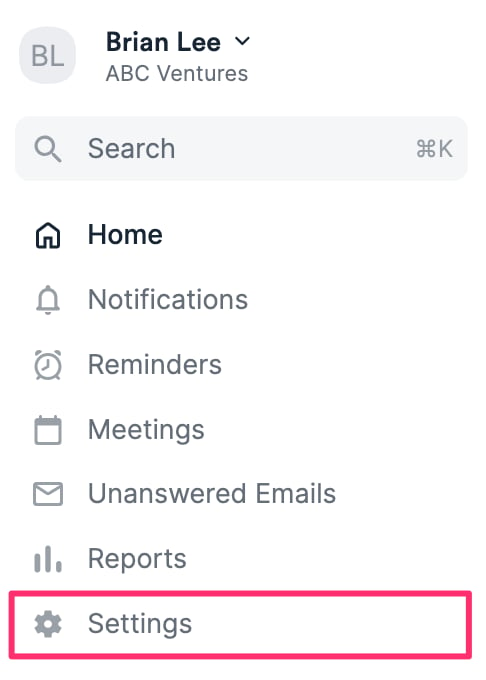
- Once you have reached out to support@affinity.co and have confirmed that PitchBook credits have been set up for your instance, click Settings on the left side of your screen.
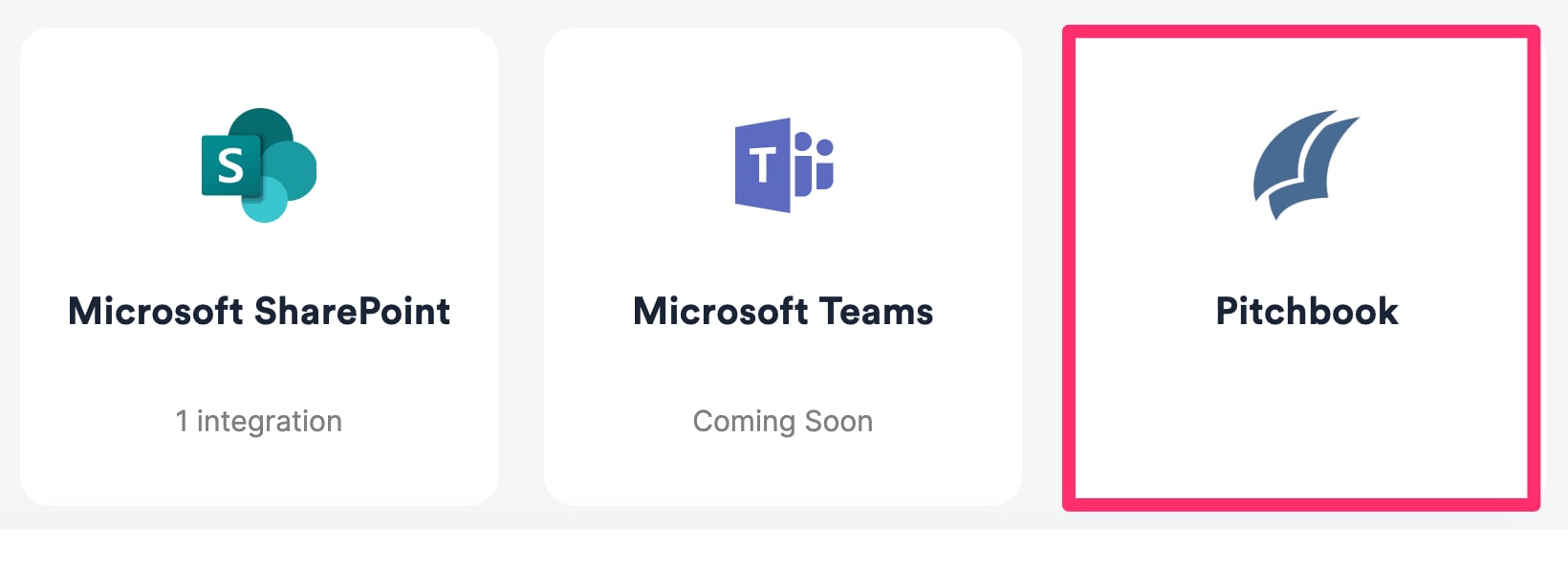
- Click on the Integrations tab (available to admins only), then click on PitchBook.
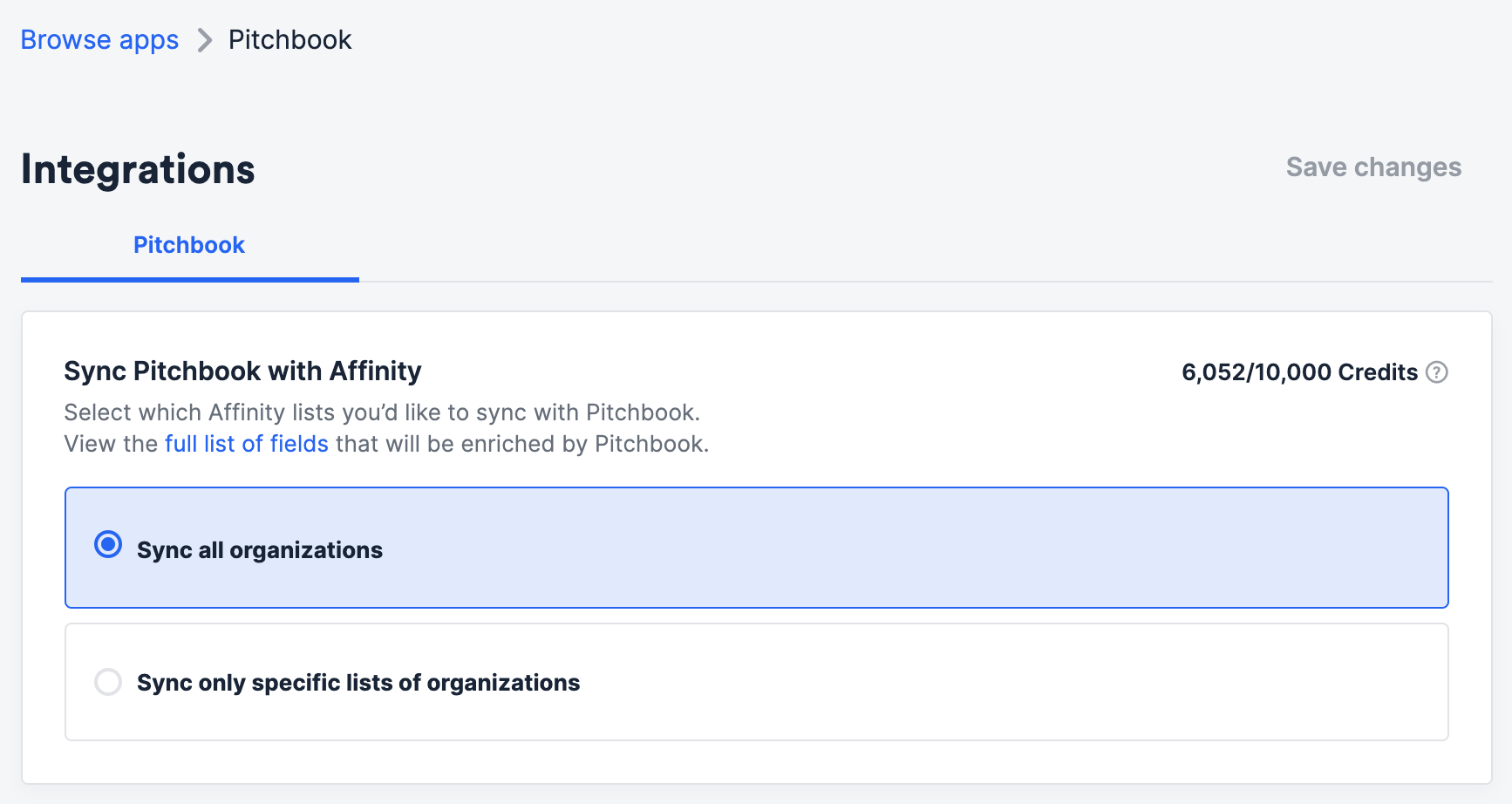
- You can start enriching all organizations from your All Organizations directory or choose specific organization lists (both private and shared lists are available for enrichment).