

Concept — background and overview.
Overview
- Help your team stay connected on deals by setting up field update notifications in Slack.
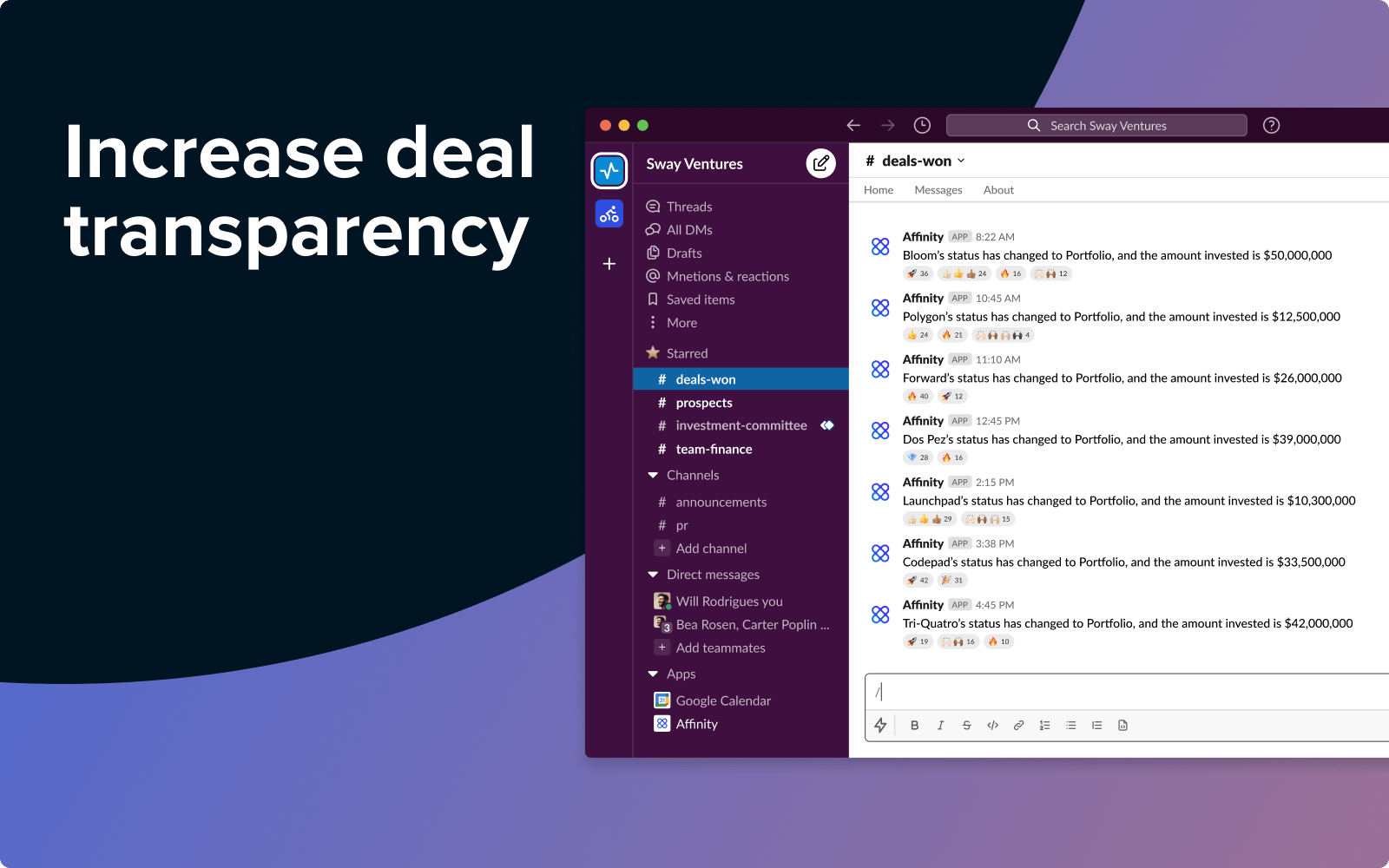
- Share wins with the whole team, or configure individual notifications to help investors stay on top of follow-up actions.
- Send updates to channels or individual users, and include dynamic information on the relevant person, organization, or opportunity using custom message tokens.
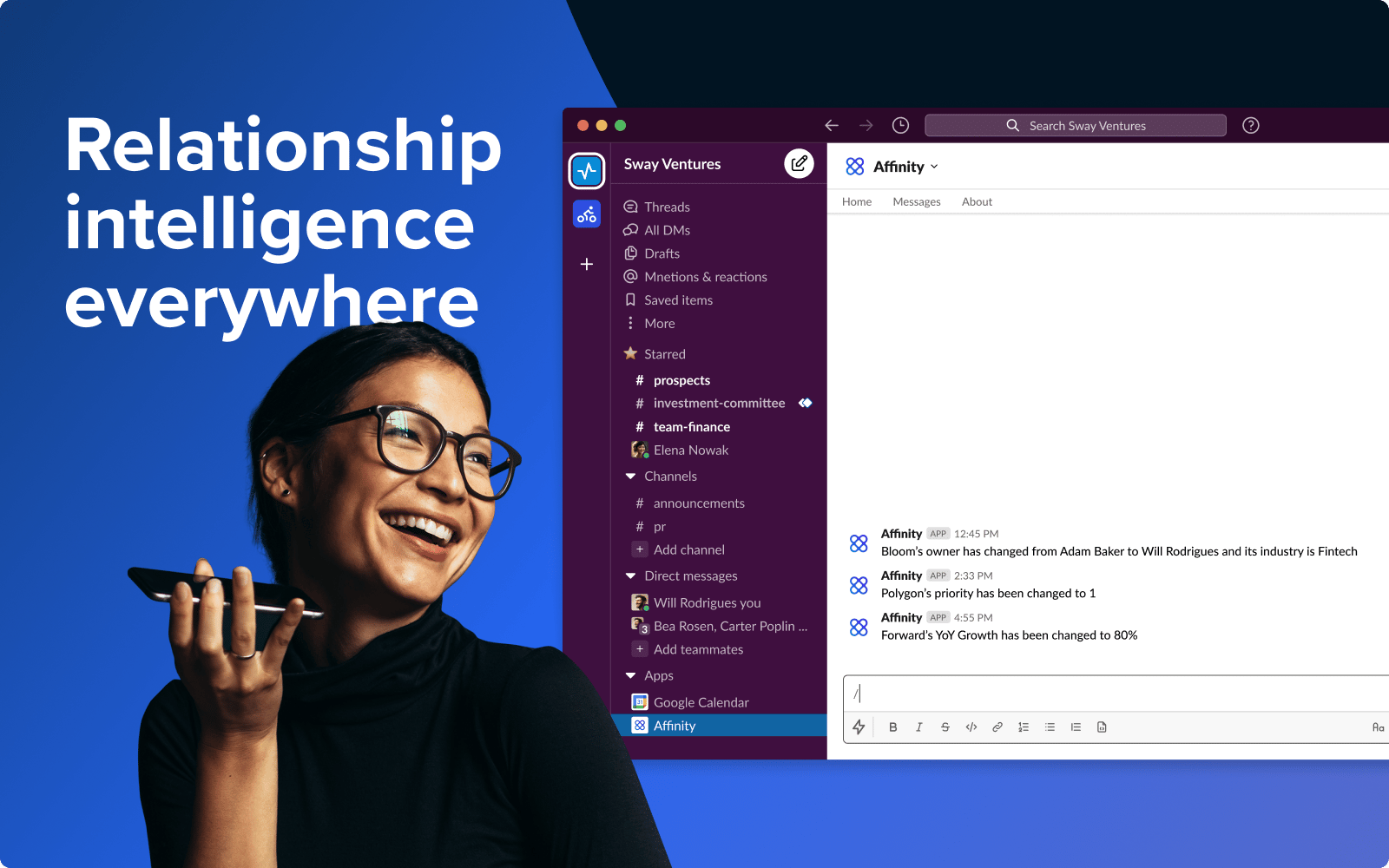
- Send notes directly from Slack to the relevant people, organizations, and opportunities in Affinity.
Set up automations between Affinity and Slack
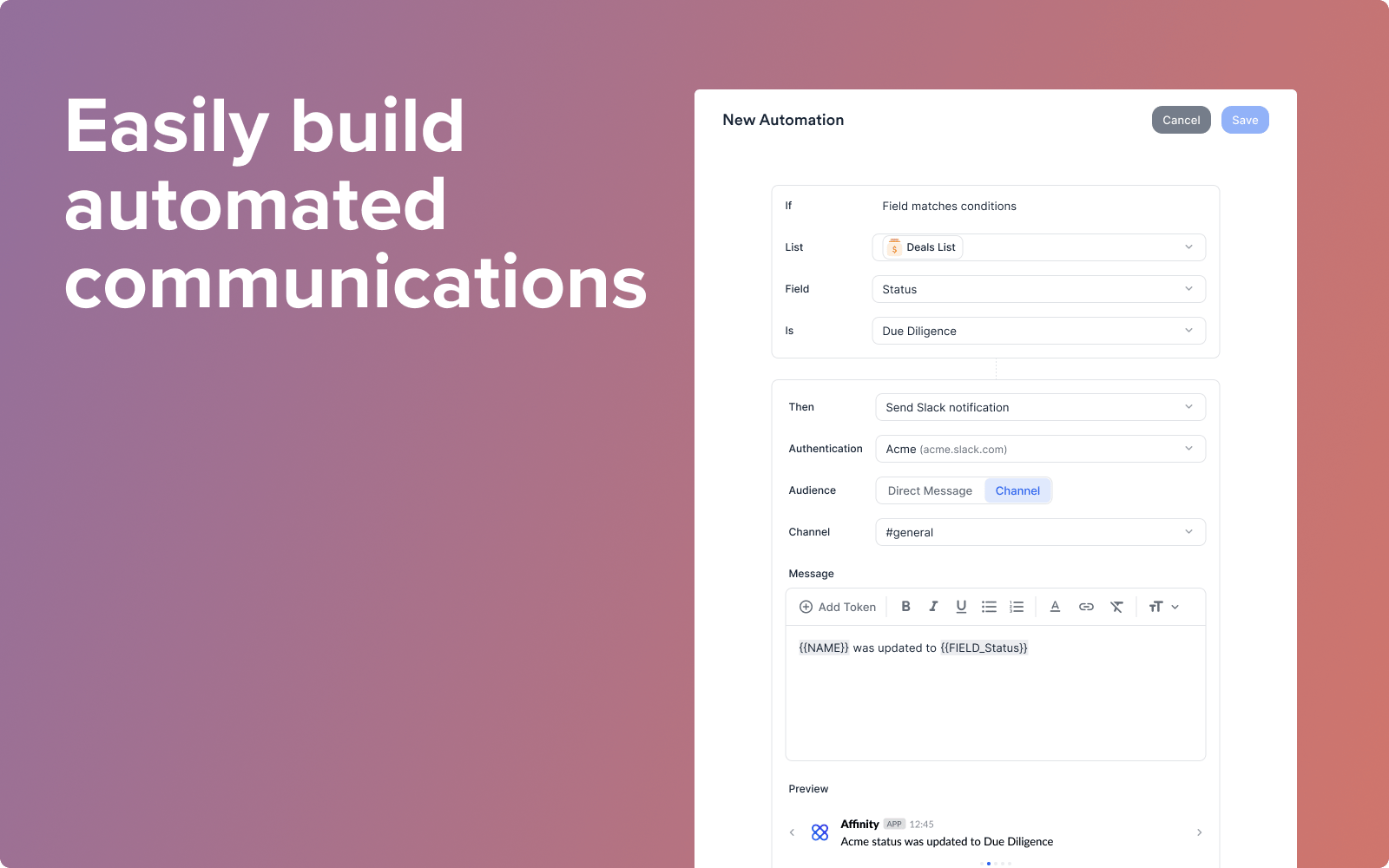
- Before you set up any automations between Affinity and Slack, you’ll need to install the Affinity app for Slack as part of this set-up flow.
- If your Slack Workspace requires admin approval for new apps, you will likely need help from your IT team. Send them to this page so they can unblock you.
- IT admin? Use this link to review and install the Affinity for Slack app directly.