How-to — task-oriented recipe.
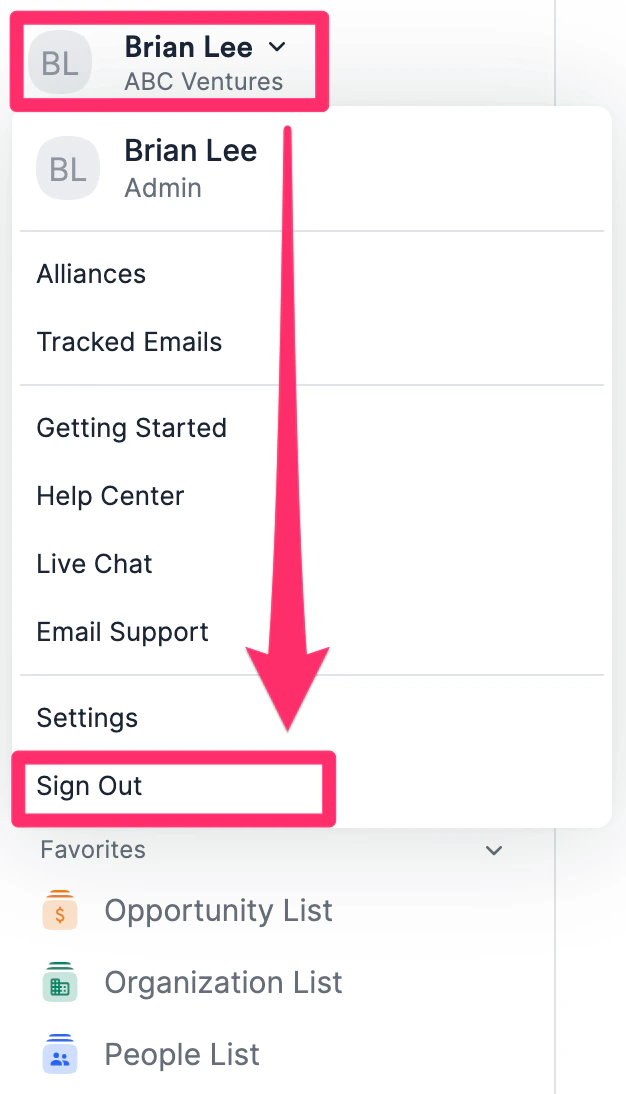
- If you’re currently signed into your Affinity account, sign out by clicking your name on the top-left corner.
- Go to https://myaccount.google.com/security
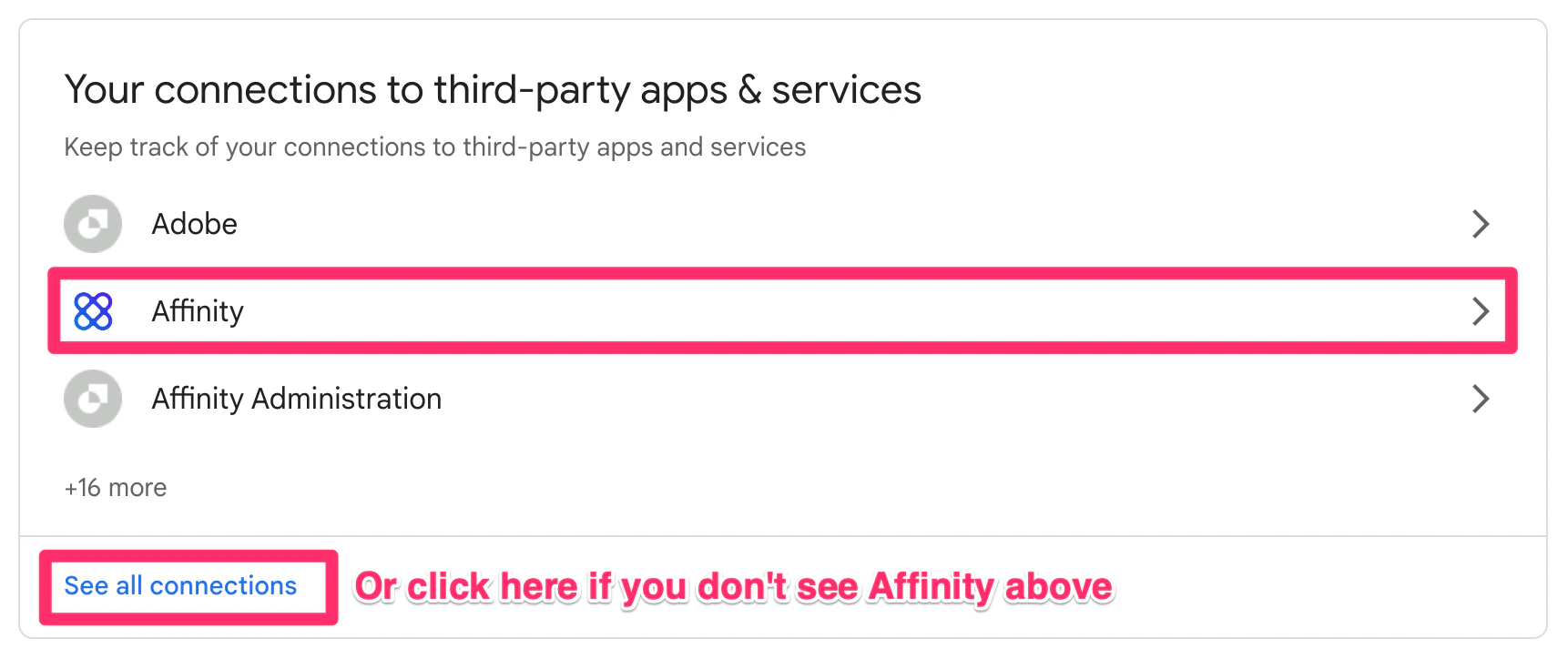
- Scroll down to the section titled Your connections to third-party apps & services and click on Affinity or See all connections (if you don’t see Affinity above).
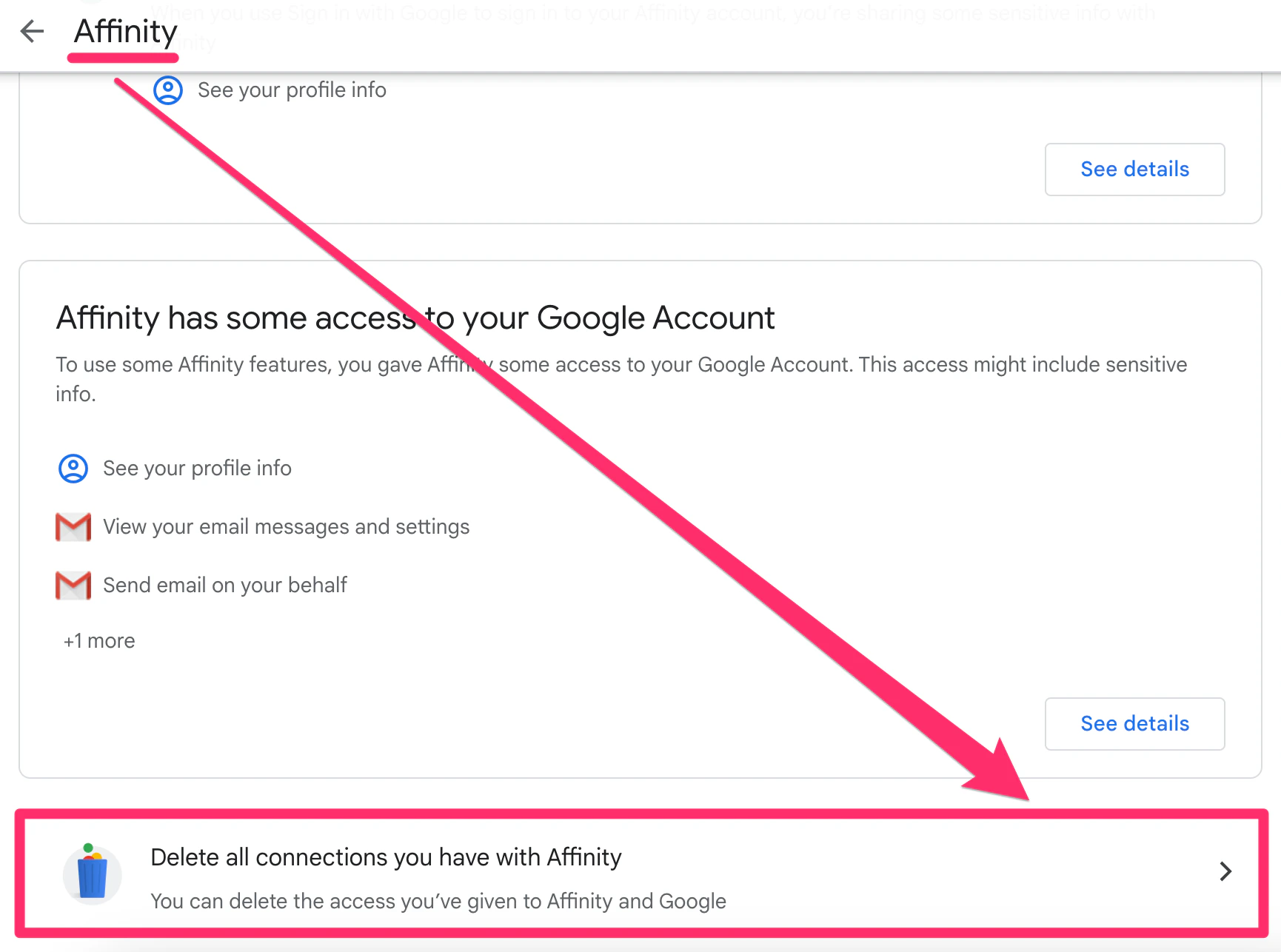
- Once on Affinity’s page, scroll down again and click Delete all connections you have with Affinity.
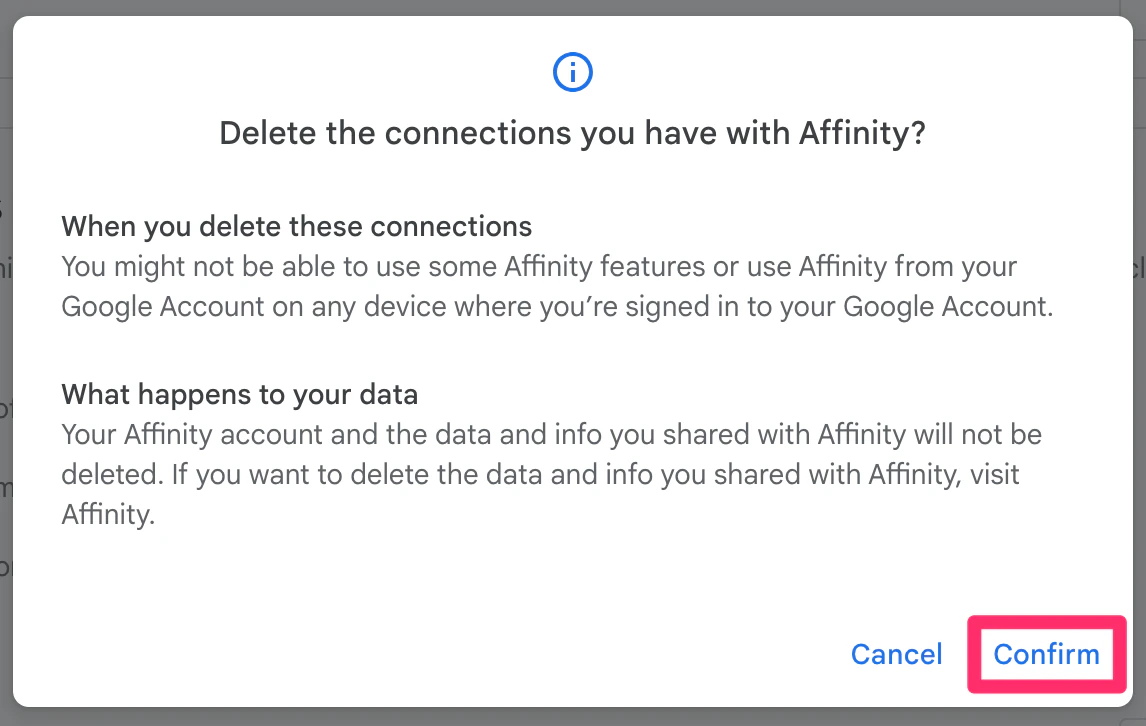
- Once you see the modal appear, click Confirm.
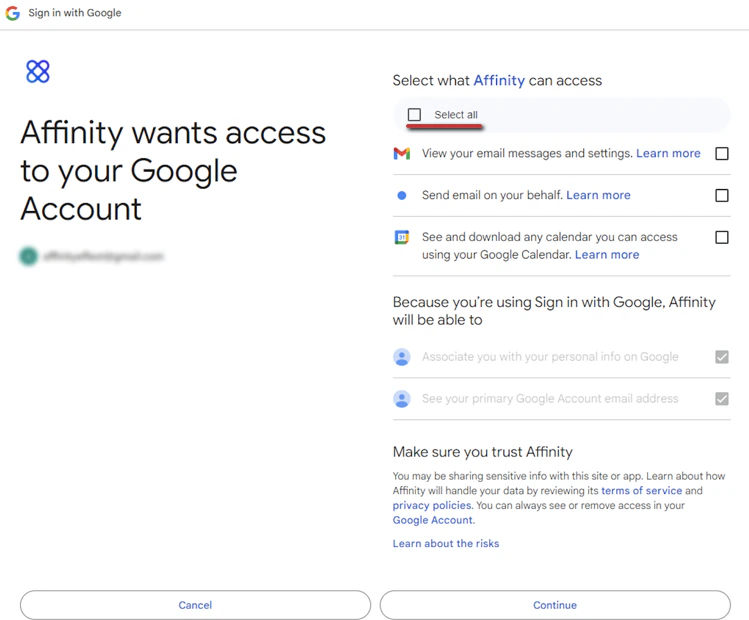
- Now, go back to your Affinity account at [subdomain].affinity.co to sign back in and click the checkbox next to Select all to allow all Google permissions this time. If you’re not sure what your subdomain is, see How to find your Affinity subdomain.