
Documentation Index

Fetch the complete documentation index at: https://support.affinity.co/llms.txt

Use this file to discover all available pages before exploring further.

How-to — task-oriented recipe.
Are your recent email/calendar communications not surfacing as expected? It may be that your email account is disabled from syncing your data into Affinity.

How to tell if syncing is disabled

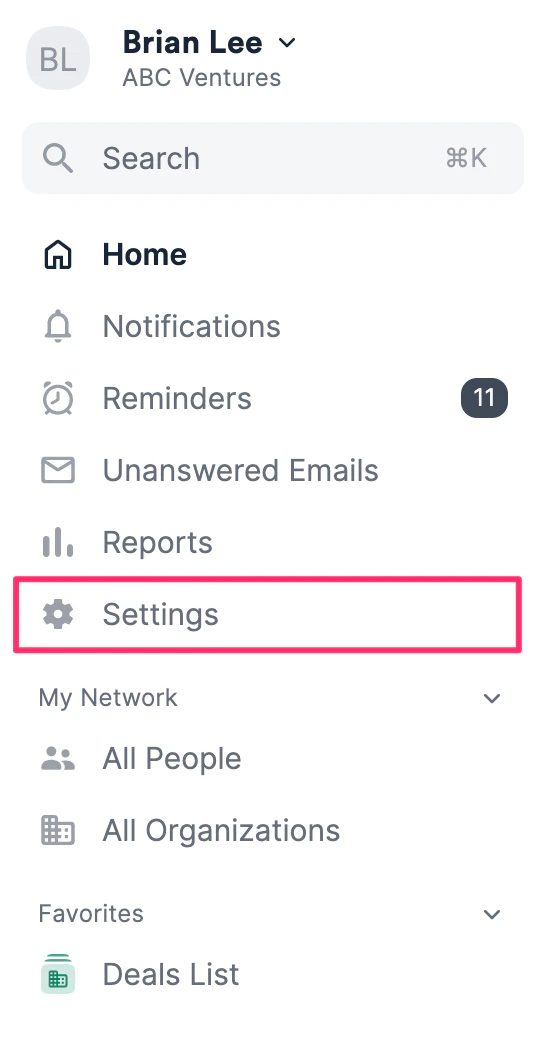
  1. Click Settings on the left-side of your screen.
  1. Under Email Accounts, you will see a description below your email address stating that it has been disabled syncing.

How to reenable syncing

  1. Click Settings on the left-side of your screen.
  2. Under Email Accounts, click Add Account on the right.

  1. Sign back in using the same credential. The “disabled syncing” description should now disappear, indicating that you have successfully reenabled syncing.

Note: Depending on how long you have been disabled syncing, it can take a few hours to several hours for your interactions to sync and surface accordingly. If you still do not see your interactions appear, feel free to reach out to support@affinity.co and we’d be happy to help.