

How-to — task-oriented recipe.
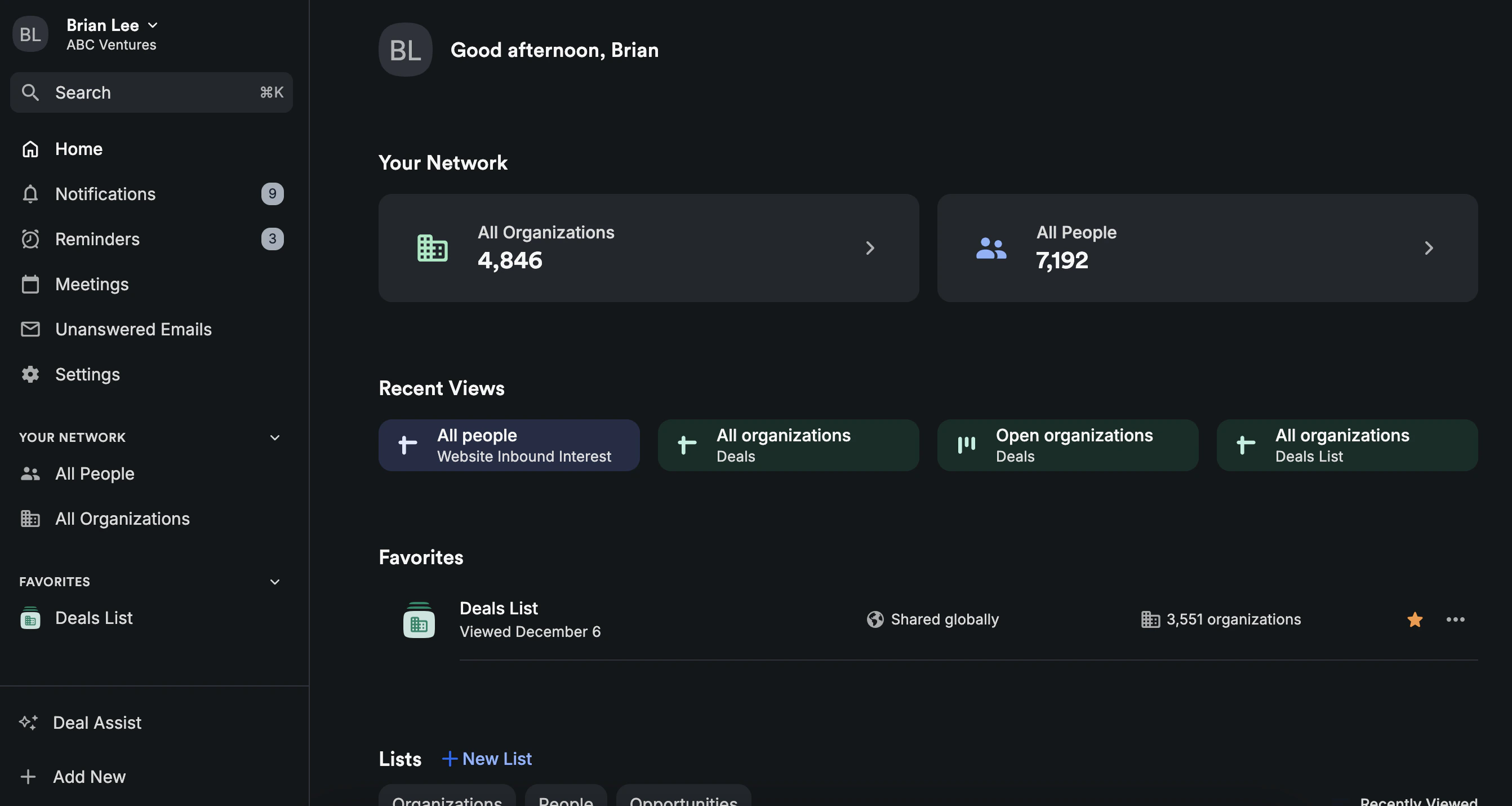
How to turn on Dark Mode on the web app
- To turn on Dark Mode, click on your name on the top-left corner, then click on Change theme and select Dark Mode.
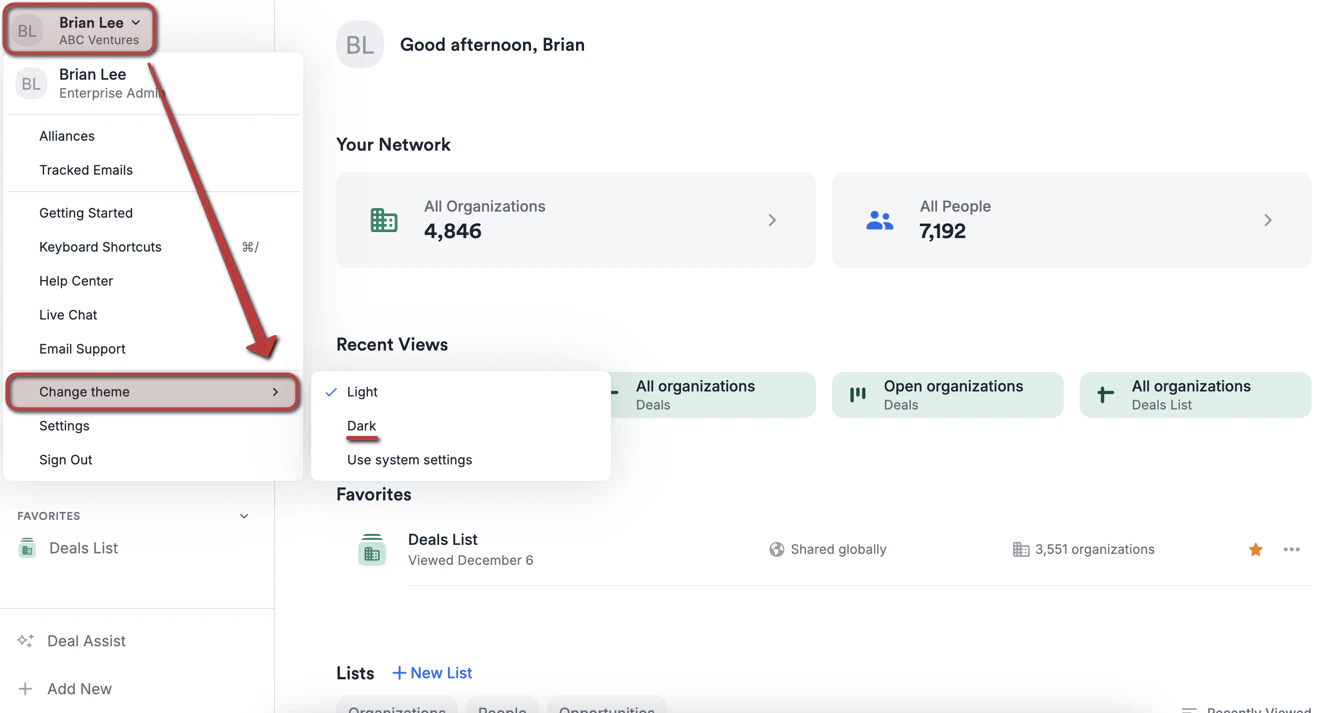
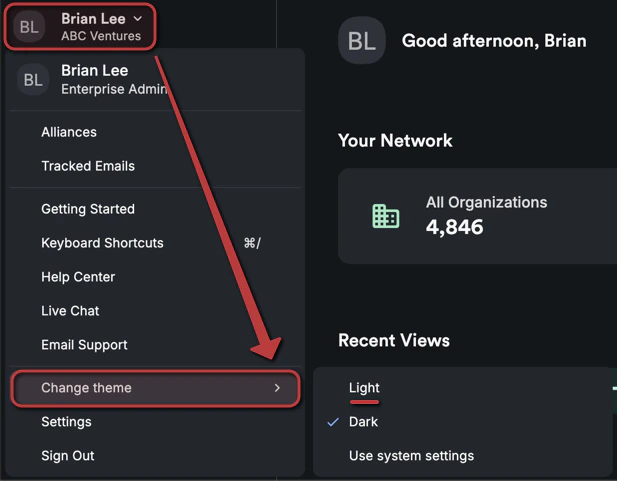
- Should you change your mind, you can switch back to Light Mode or set it to Use system settings at any time.
How to turn on Dark Mode on the iOS mobile app
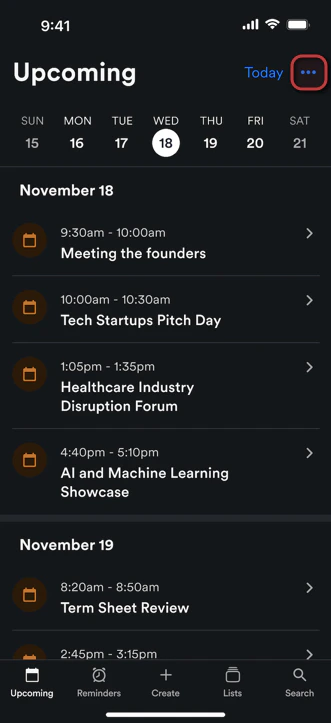
- To turn on Dark Mode, click on the 3-dotted icon on the top-right corner.
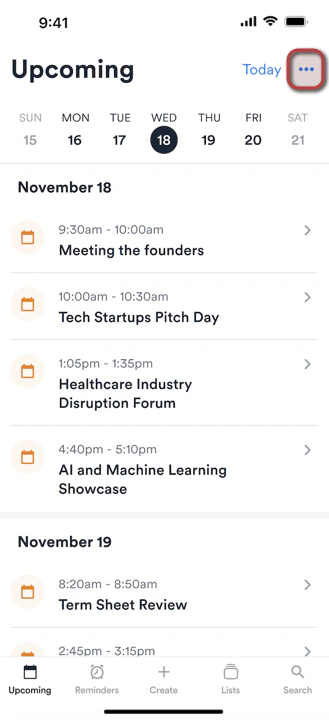
- Under Appearance, select Dark.
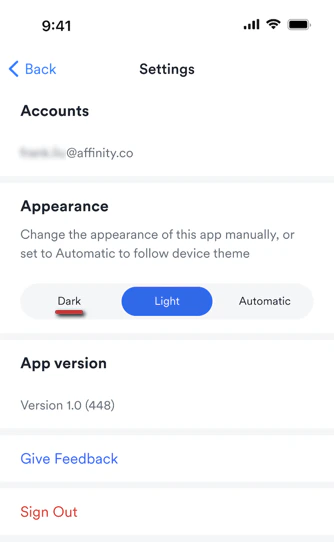
- Should you change your mind, you can simply click the 3-dotted icon again to switch back to Light or set it to Automatic (system default) at any time.
Important Callouts
- Dark Mode is not available for the Android mobile app at this time.