
Documentation Index
Fetch the complete documentation index at: https://support.affinity.co/llms.txt
Use this file to discover all available pages before exploring further.
How-to — task-oriented recipe.
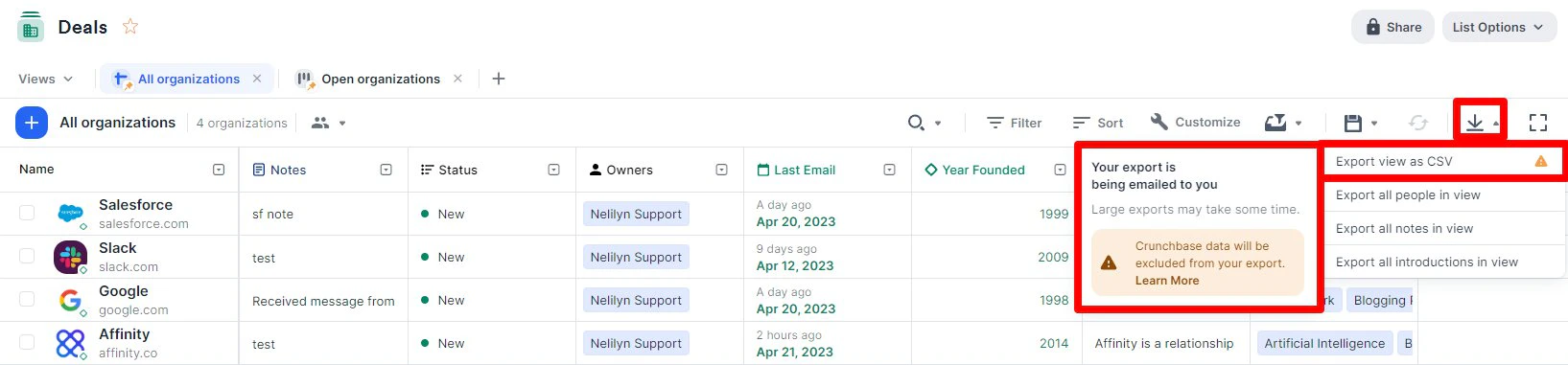
- Open list → Click “Export” button (top-right) → Choose format:
- CSV: Standard format for Excel, Google Sheets, data analysis tools
- Relationship Strength CSV (People/Org lists only): Includes relationship scores and interaction counts
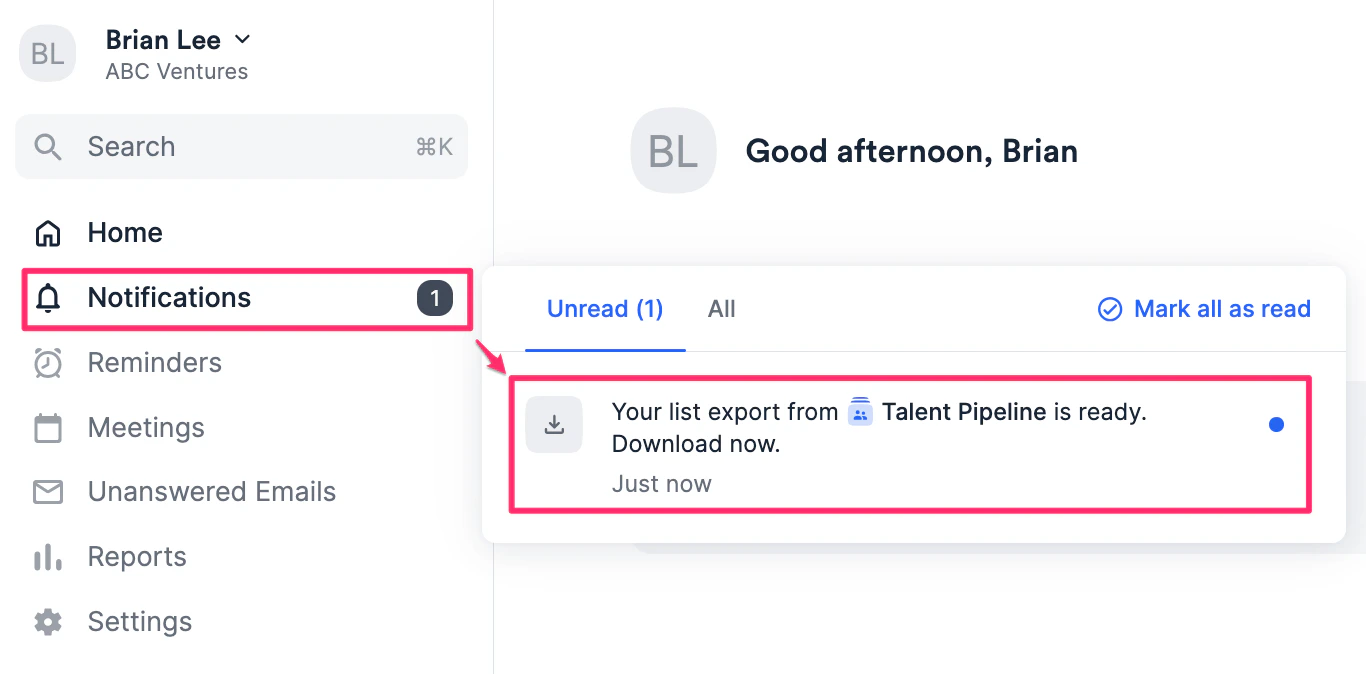
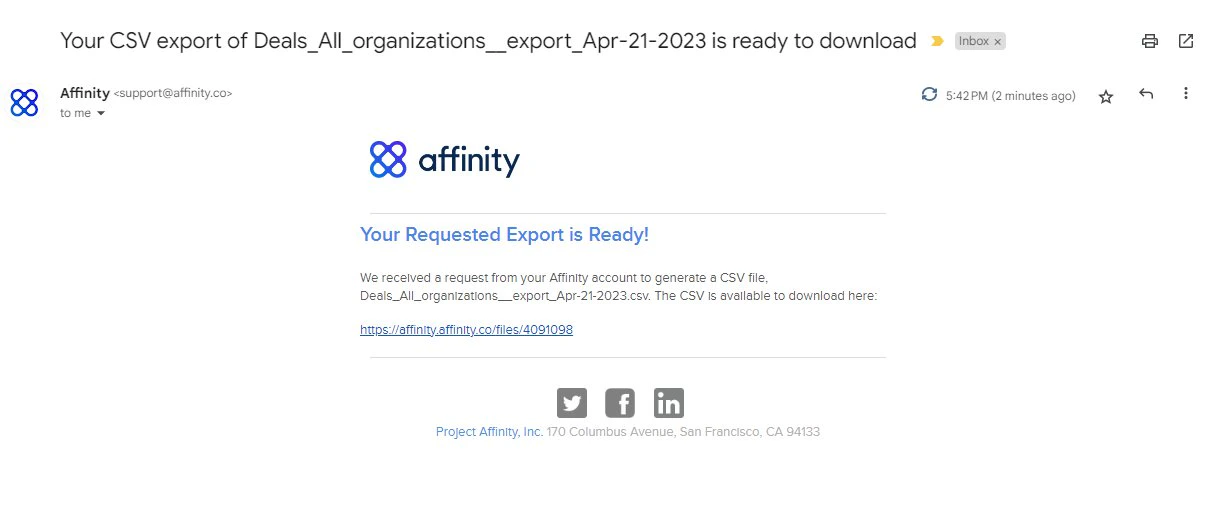
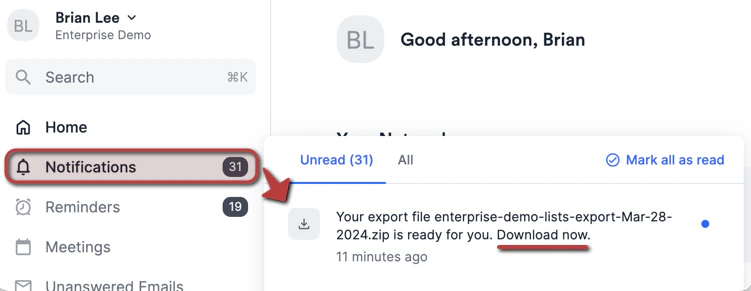
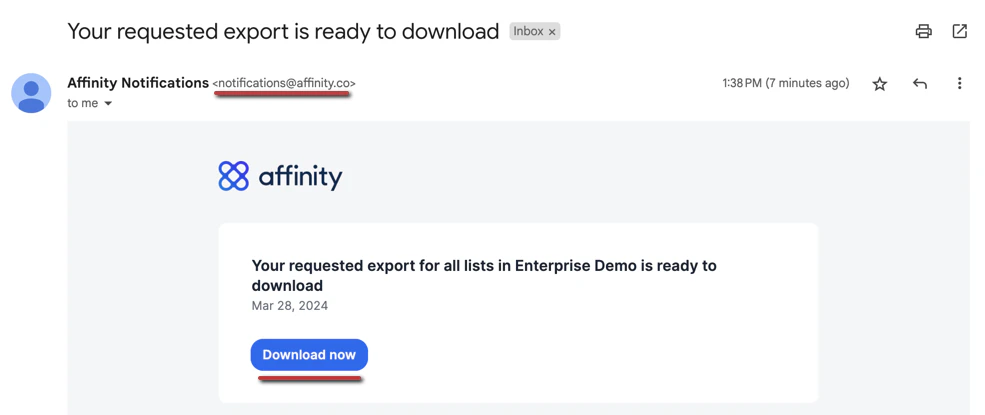
- Download begins automatically
- Current view only: Exports visible entries in current saved view (respects filters/sorts)
- All columns: Exports ALL columns (visible + hidden) by default
- Current permissions: Exports only data user has access to
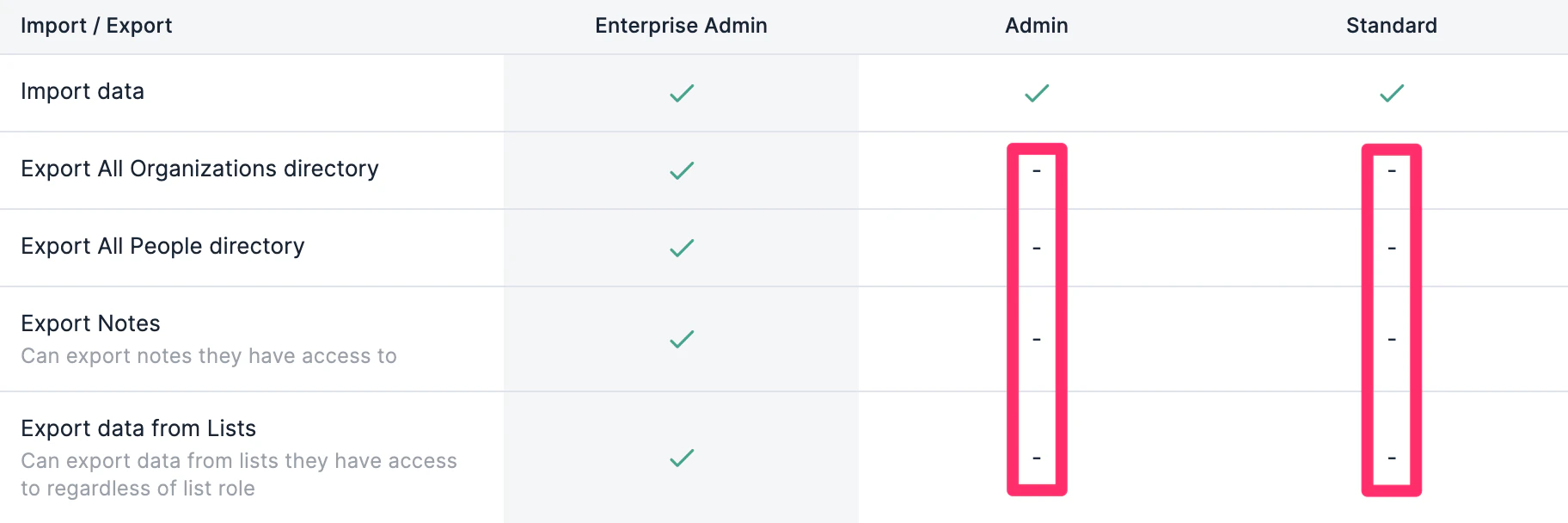
- Enterprise Admin Bulk Export (Enterprise tier only):
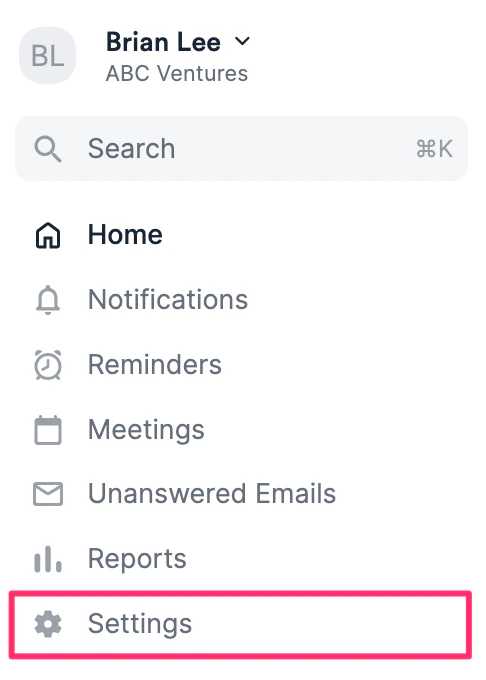
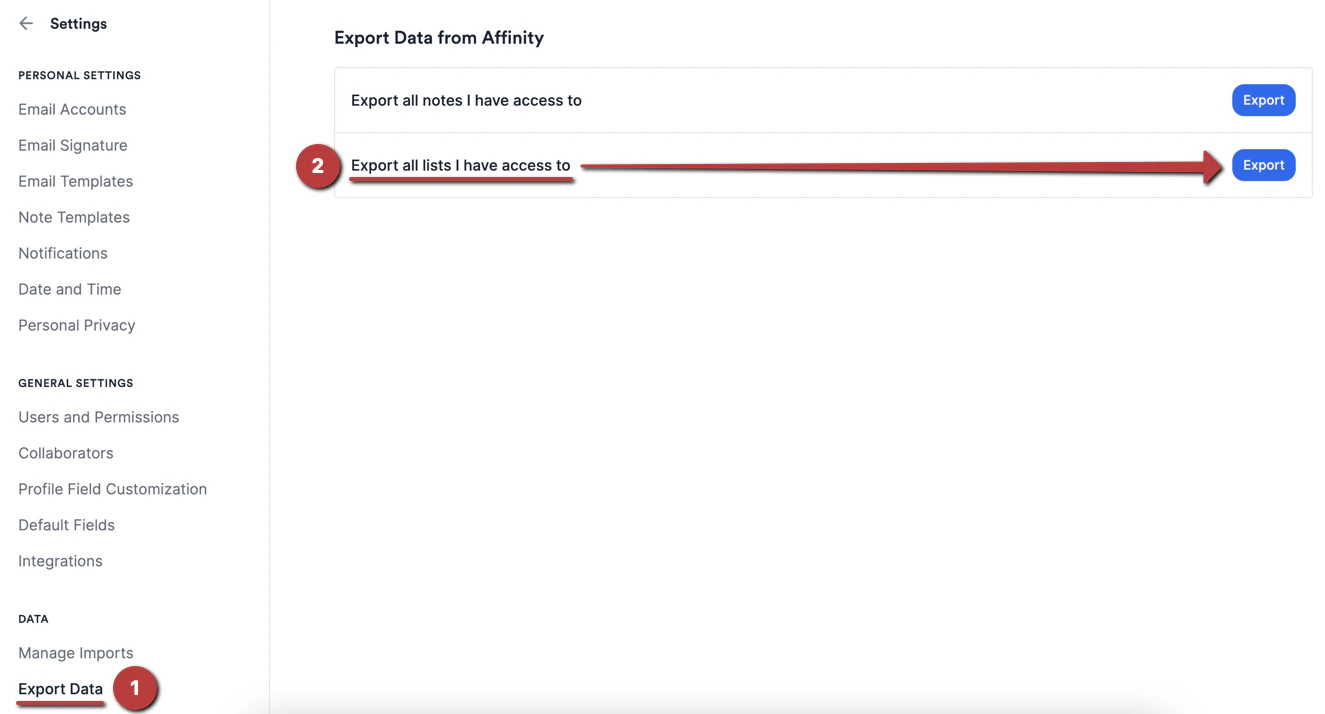
- Settings → “Export Data” → Select lists → Choose date range → Export all selected lists at once
- Permissions: Only Enterprise Admins can access this feature
- Relationship Strength Export Fields (People/Org lists):
- Relationship score (0-100)
- Total interactions count
- Last interaction date
- No activity timeline (field values only)
- No attachments (files/documents not included)
- Crunchbase exclusion (enriched data cannot be exported)
- Format options: Only CSV
Screenshots