

How-to — task-oriented recipe.
How to edit/remove a person’s profile photo
- Go to the person’s profile page, then click Edit when hovering on the profile photo.

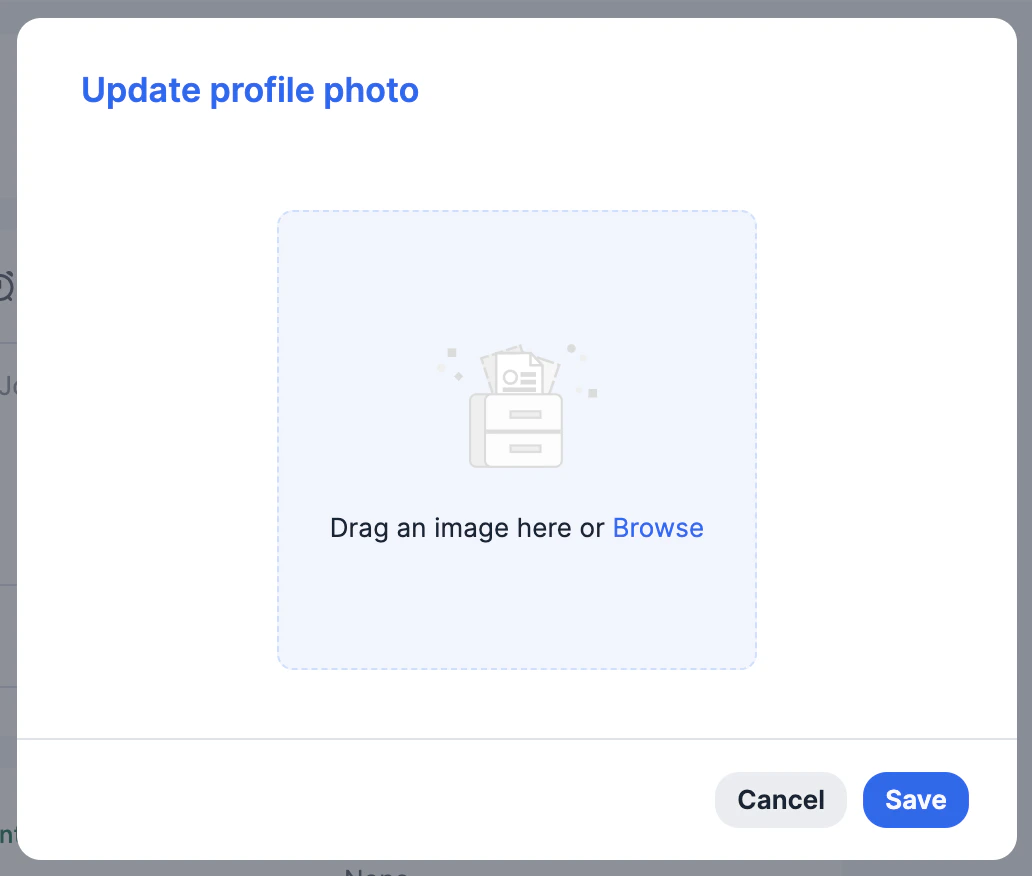
- Now, drag an image into the area or click Browse to upload an image from your computer.
- Then, click Save. You will also see the option to Remove an existing photo and upload a new photo afterwards.
How to edit/remove an organization’s profile photo
- Go to the organization’s profile page, then hover over the profile photo.
- If you see the Edit option, you can continue with editing/removing.
- If you do not see the Edit option, it means the organization is enriched by Affinity. However, you can click the 3-dotted icon, then click Edit name and domain to add a random domain to trigger the editing capabilities.

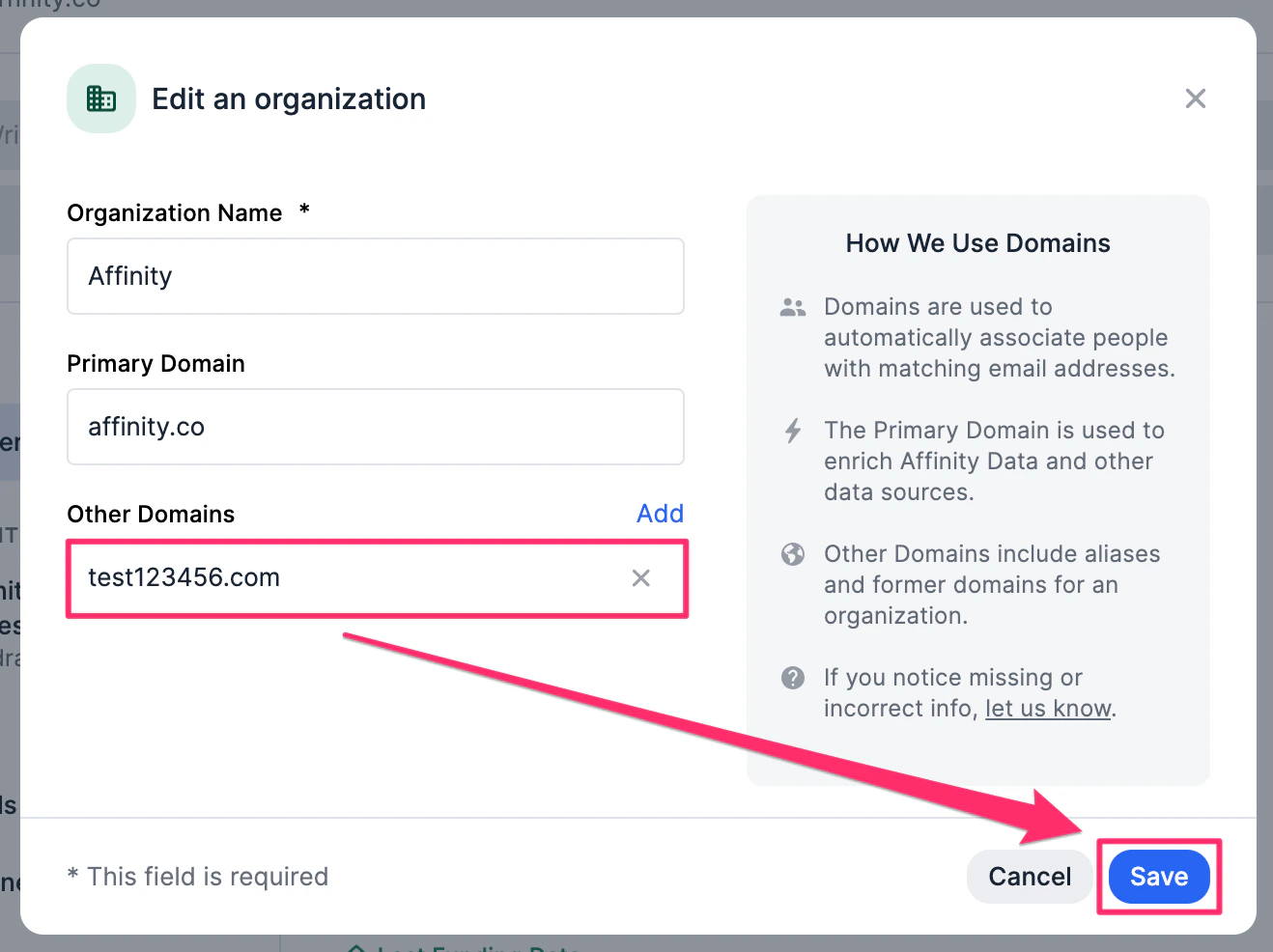
- Add the random domain within the Other Domains field, then click Save.
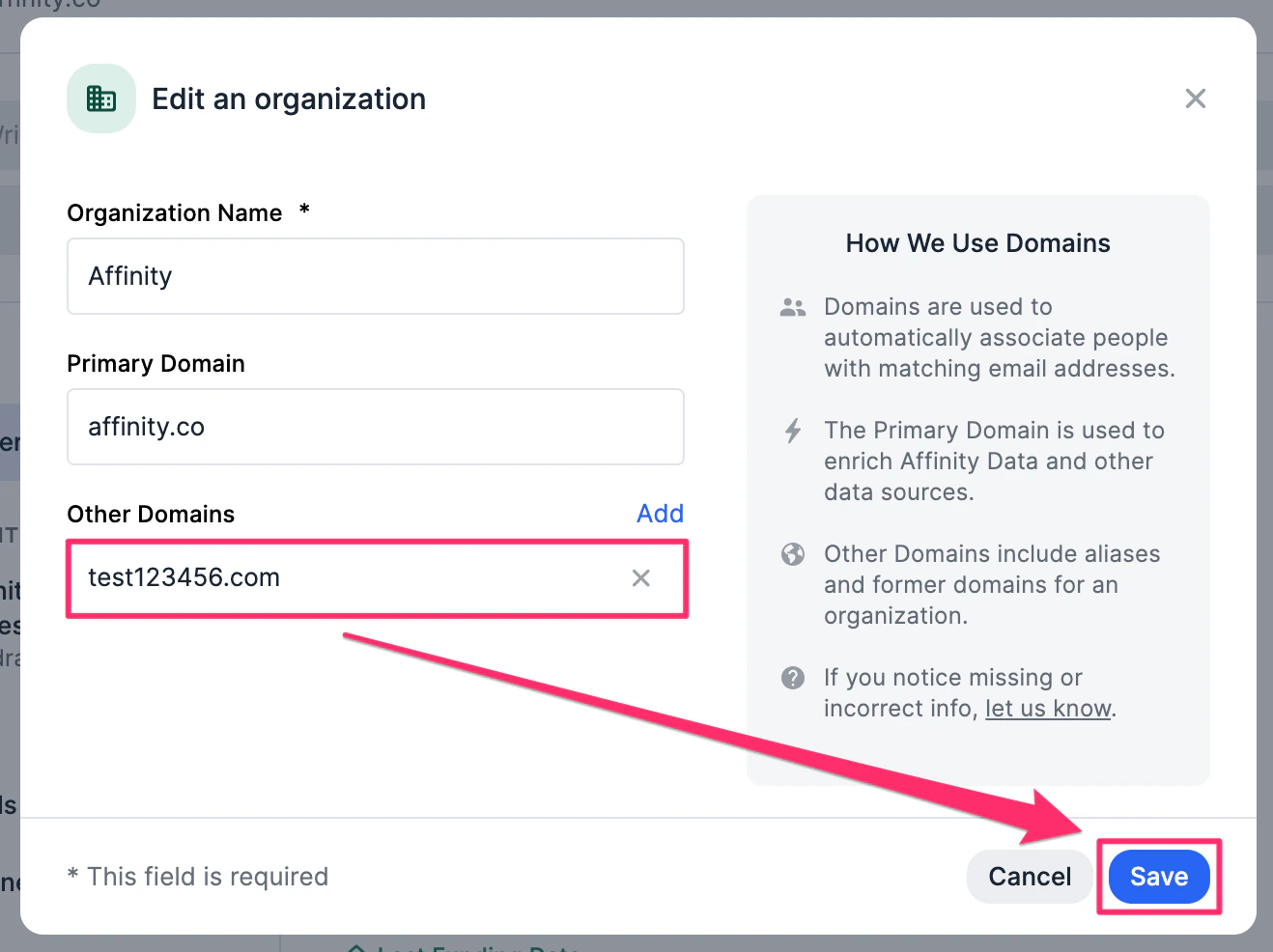
- Now, you can edit/remove the organization’s profile photo accordingly. It will continue to be enriched by Affinity.

- Last but not least, you can simply go back to delete the random domain, then click Save again. The profile photo will continue to be editable even after doing so.
How to edit/remove an opportunity’s profile photo
Opportunity profile photos are automatically pulled in from the default Organizations field and cannot be directly edited or removed.- If there is exactly one organization in the default Organizations field, and it has a profile photo, then it will pull in that organization’s profile photo.

- If there is no organization or more than one organization in the default Organizations field, then it will have an empty placeholder.
