How-to — task-oriented recipe.
- Create new entity from the global navigation bar
- Create new entity from a list
Create new entity from the global navigation bar
- Click the ”+ Add New” button on the bottom-left corner, then click Add Person, Add Organization, or New Opportunity.
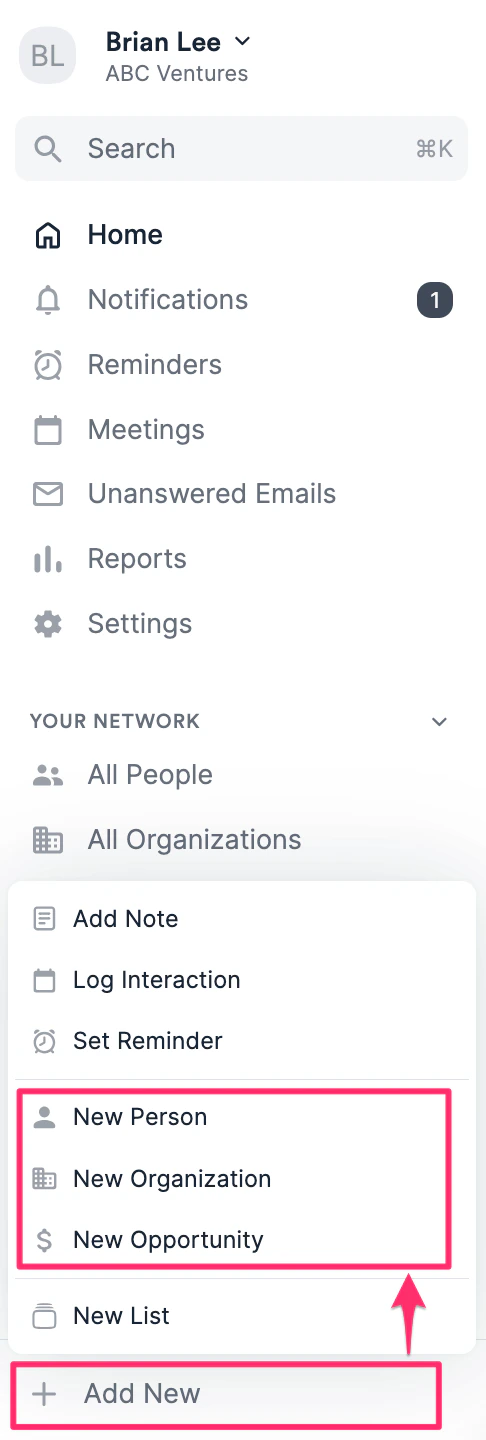
- Fill out the relevant attributes about that Person, Organization, or Opportunity.
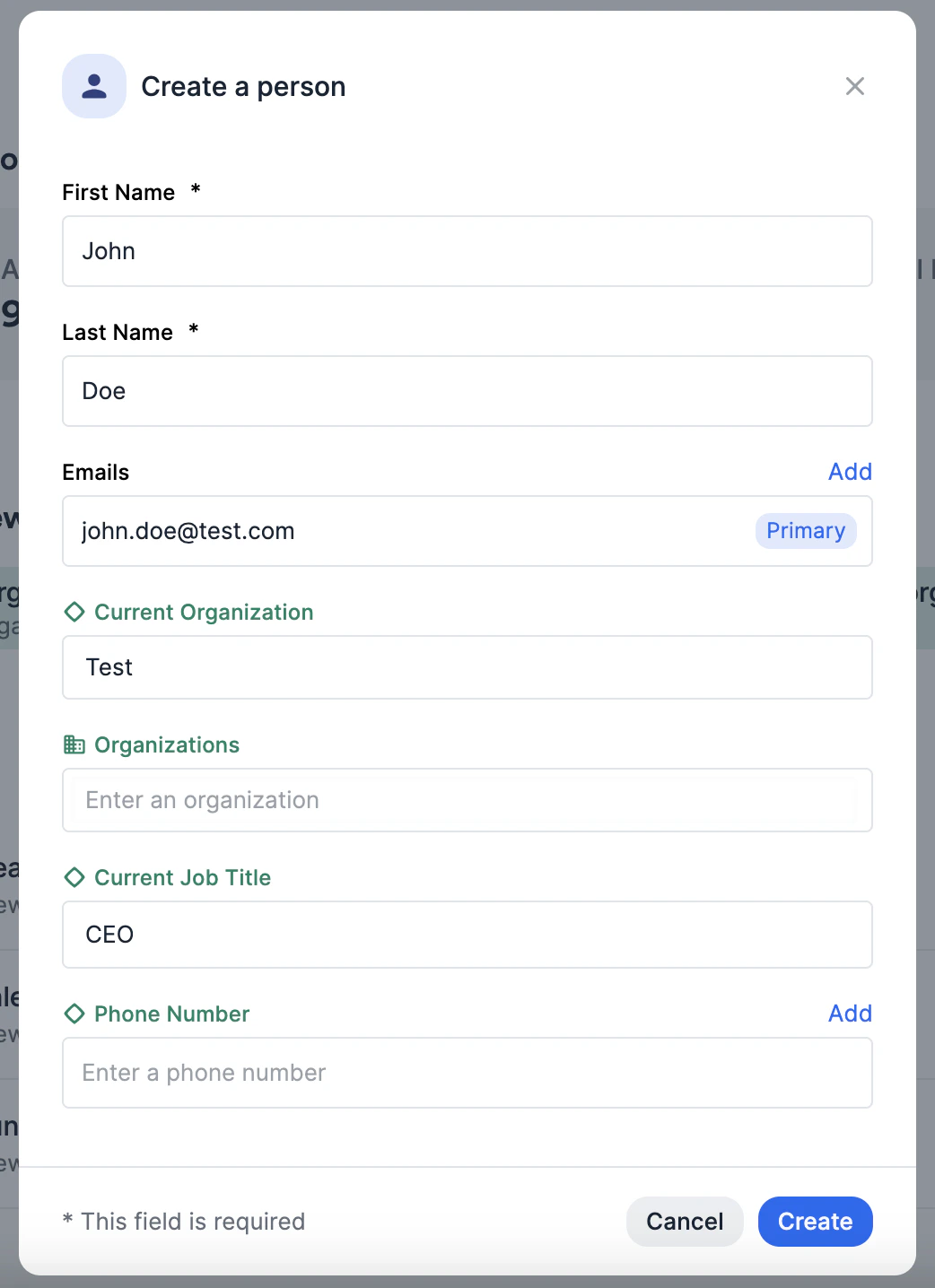
- Person: First and last name are required. Email address is highly recommended to help Affinity auto-populate that person’s profile page with the relevant email/calendar interactions and associated organization.
- Organization: Organization name is required. Organization URL is highly recommended to help Affinity auto-populate that organization’s profile page with the correct people and their email/calendar interactions.
- Opportunity: Opportunity name and designated opportunity list are required. Associate the relevant people and/or organization entities that are associated with the opportunity. 3. Click Create and you’re all set.
Create new entity from a list
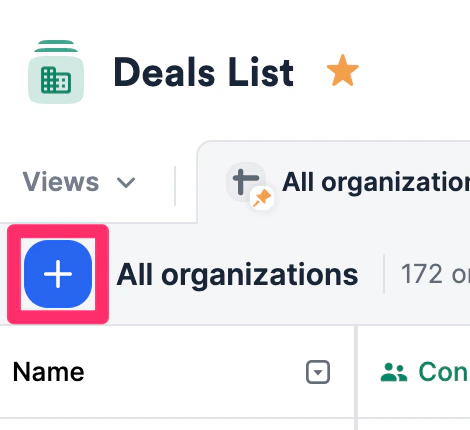
- Click the blue ”+” button
- Type in the name of the person, organization, or opportunity, then choose the Create option.
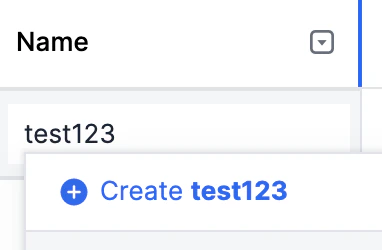
- When creating a new person, please start with the full name rather than the email address.
- When creating a new organization, please start with the organization name rather than the domain.
- Fill out the relevant attributes about that person, organization, or opportunity, then click Create at the very bottom of the modal.