> ## Documentation Index
> Fetch the complete documentation index at: https://support.affinity.co/llms.txt
> Use this file to discover all available pages before exploring further.
# How To Sign In With Microsoft Office 365
> Help center reference
**How-to** — task-oriented recipe.
Sign into Affinity with Microsoft if you're using an Office 365 account.
## How to sign in with Microsoft Office 365
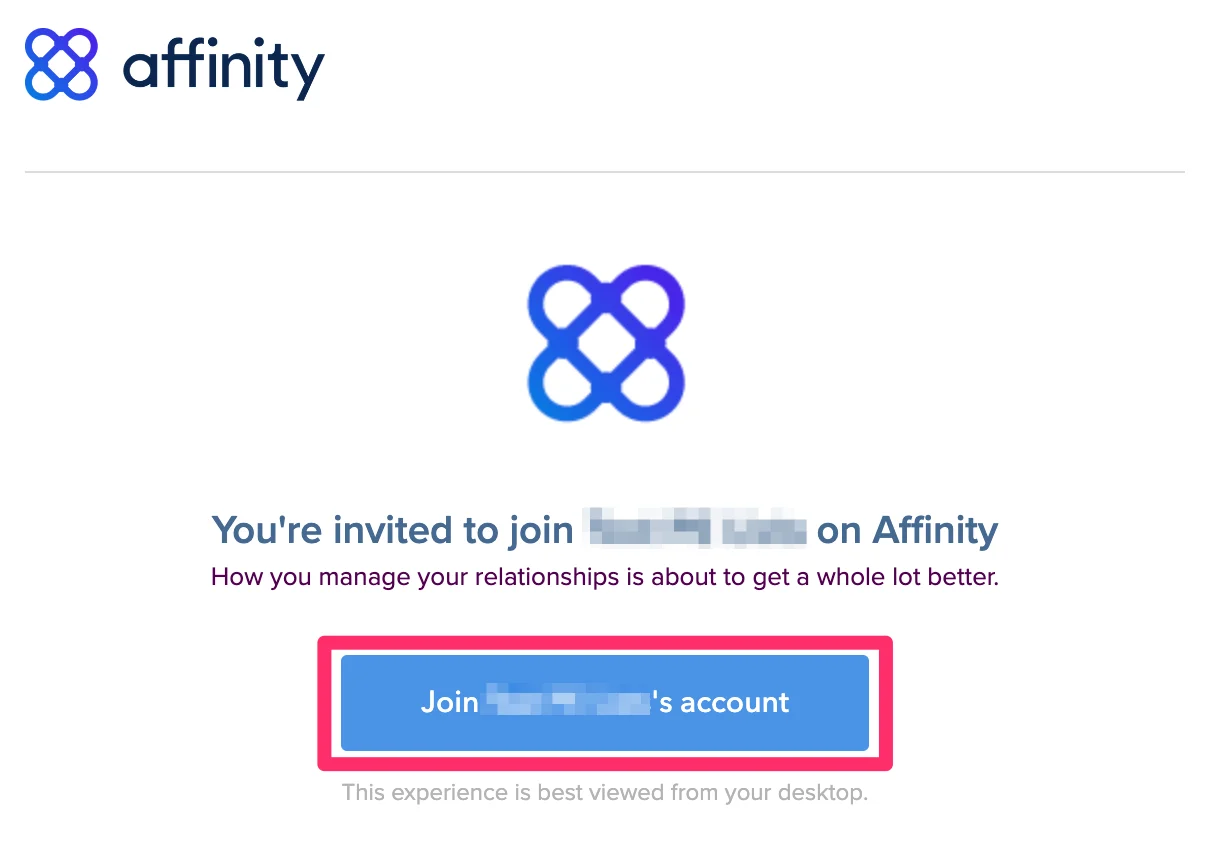
1. If you're signing in for the first time, please sign in via the email invite that was sent to your inbox. **Already signed in before?** Type in "https\://**\[subdomain]**.[affinity.co](http://affinity.co/)" on your web browser (see [How to find your Affinity subdomain](/s/article/How-to-find-your-Affinity-subdomain)).
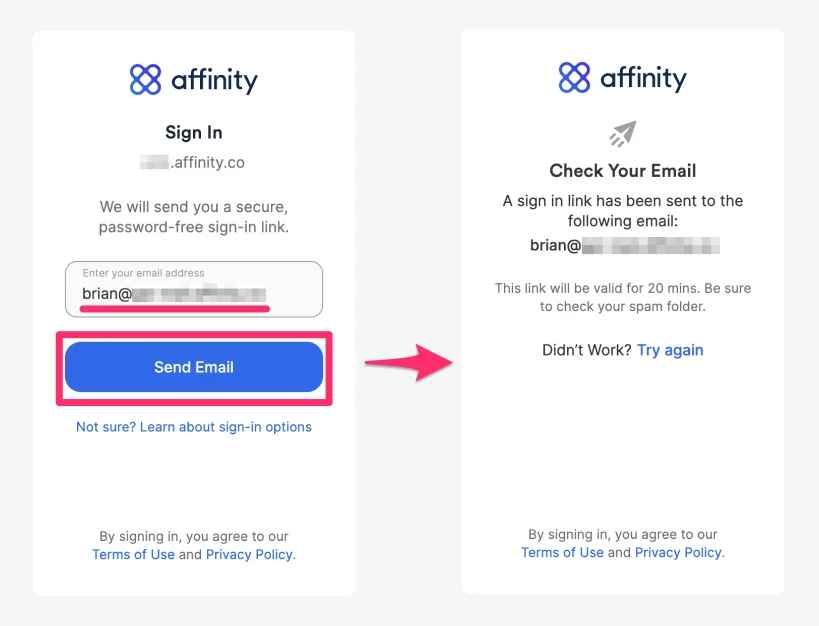
 2. Enter your email address, then click **Send Email** to receive your unique sign in link.
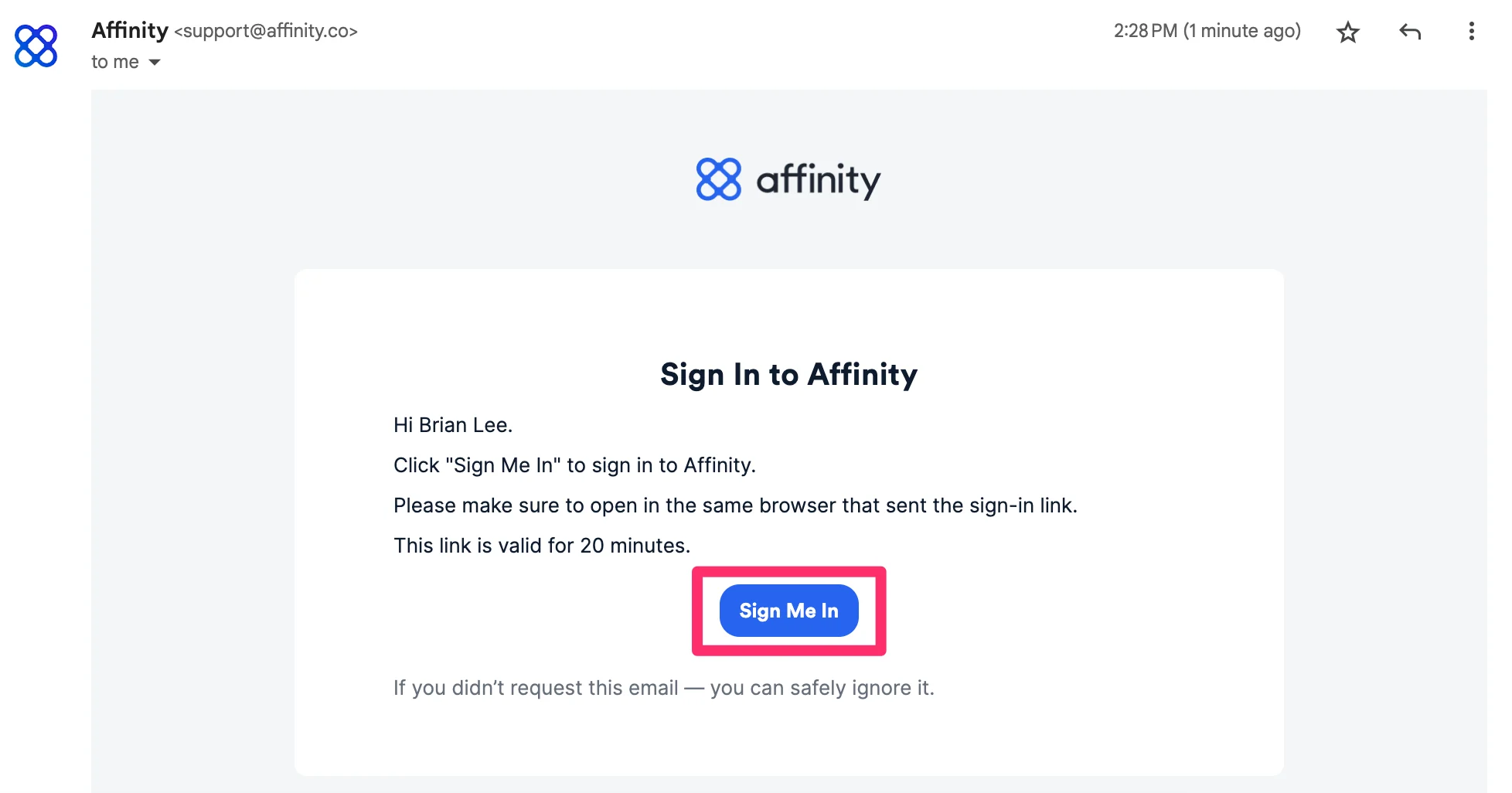
 3. Click into the email that Affinity just sent you, then click **Sign Me In**.
 4. If you're signing in for the first time, you will be prompted to grant Affinity access to your account.
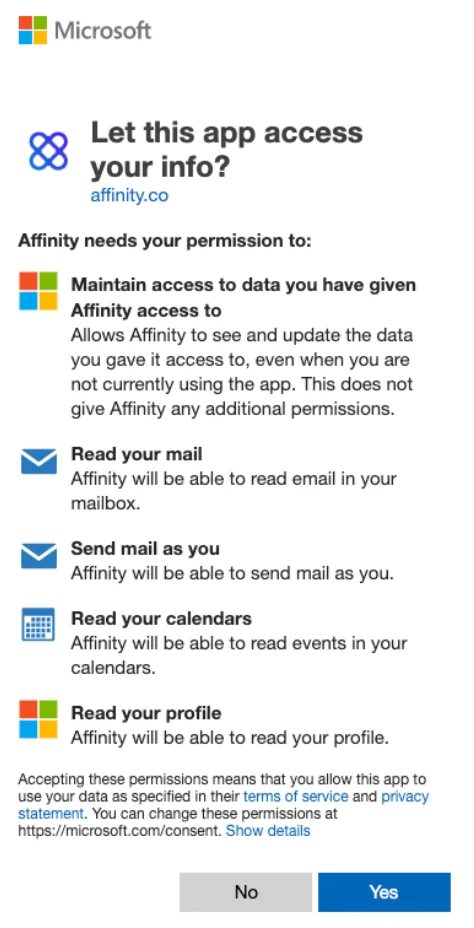 * Why does Affinity need to maintain access to my data?
* This allows us to continually sync your email/calendar data to provide you with the most up-to-date metrics.
* What does it mean when Affinity reads my emails, calendars, and profile?
* This allows Affinity to confirm your identity, set up your account, and surface your email/calendar data in a format that's easy to read.
* Why would Affinity send mail as myself?
* This allows you to send outbound emails directly from Affinity - recipients will see that the email is from **you**.
* We do **not** have access to your password and we cannot create, update, delete any emails, attachments, folders, and contacts from your account.
## Important Callouts
* You can only sign into Affinity with your email credentials. You **cannot** create a custom password for Affinity.
* When signing in via Office 365, you may encounter the following screen with two options. The most common and recommended option is to select **Work or school account**.
* Why does Affinity need to maintain access to my data?
* This allows us to continually sync your email/calendar data to provide you with the most up-to-date metrics.
* What does it mean when Affinity reads my emails, calendars, and profile?
* This allows Affinity to confirm your identity, set up your account, and surface your email/calendar data in a format that's easy to read.
* Why would Affinity send mail as myself?
* This allows you to send outbound emails directly from Affinity - recipients will see that the email is from **you**.
* We do **not** have access to your password and we cannot create, update, delete any emails, attachments, folders, and contacts from your account.
## Important Callouts
* You can only sign into Affinity with your email credentials. You **cannot** create a custom password for Affinity.
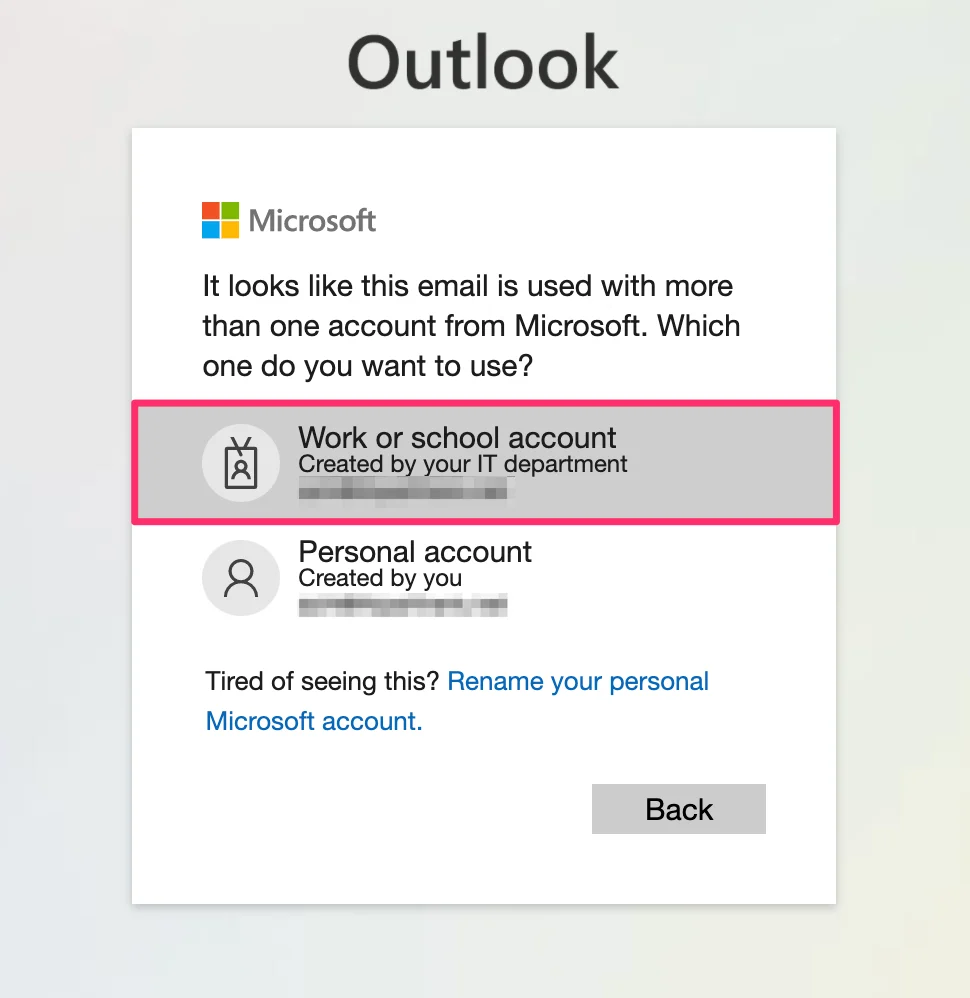
* When signing in via Office 365, you may encounter the following screen with two options. The most common and recommended option is to select **Work or school account**.