> ## Documentation Index
> Fetch the complete documentation index at: https://support.affinity.co/llms.txt
> Use this file to discover all available pages before exploring further.
# How to integrate Affinity with Box
> Help center reference
**How-to** — task-oriented recipe.
Integrate Affinity with Box by reaching out to [support@affinity.co](mailto:support@affinity.co) or your Affinity CSM and asking them to unlock this integration for your account. As always, you must have Affinity API access and be an admin (see [Affinity Native Integrations](https://support.affinity.co/hc/en-us/articles/360041993272)).
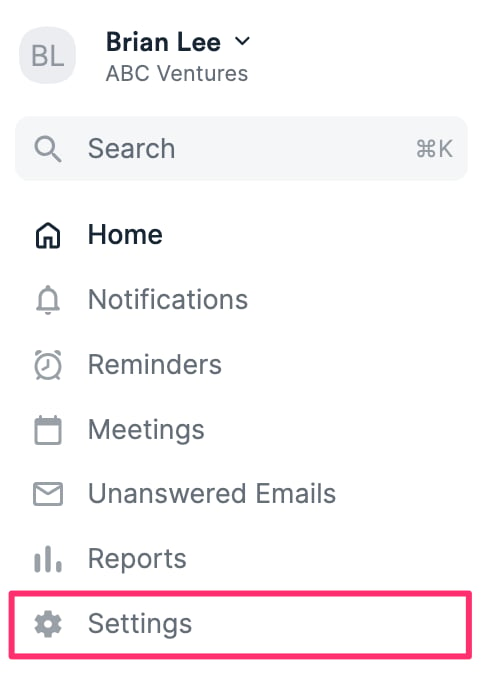
1. Once you've done the above, click your **Personal Avatar** on the top-right corner of your screen, then click **Affinity Settings**.
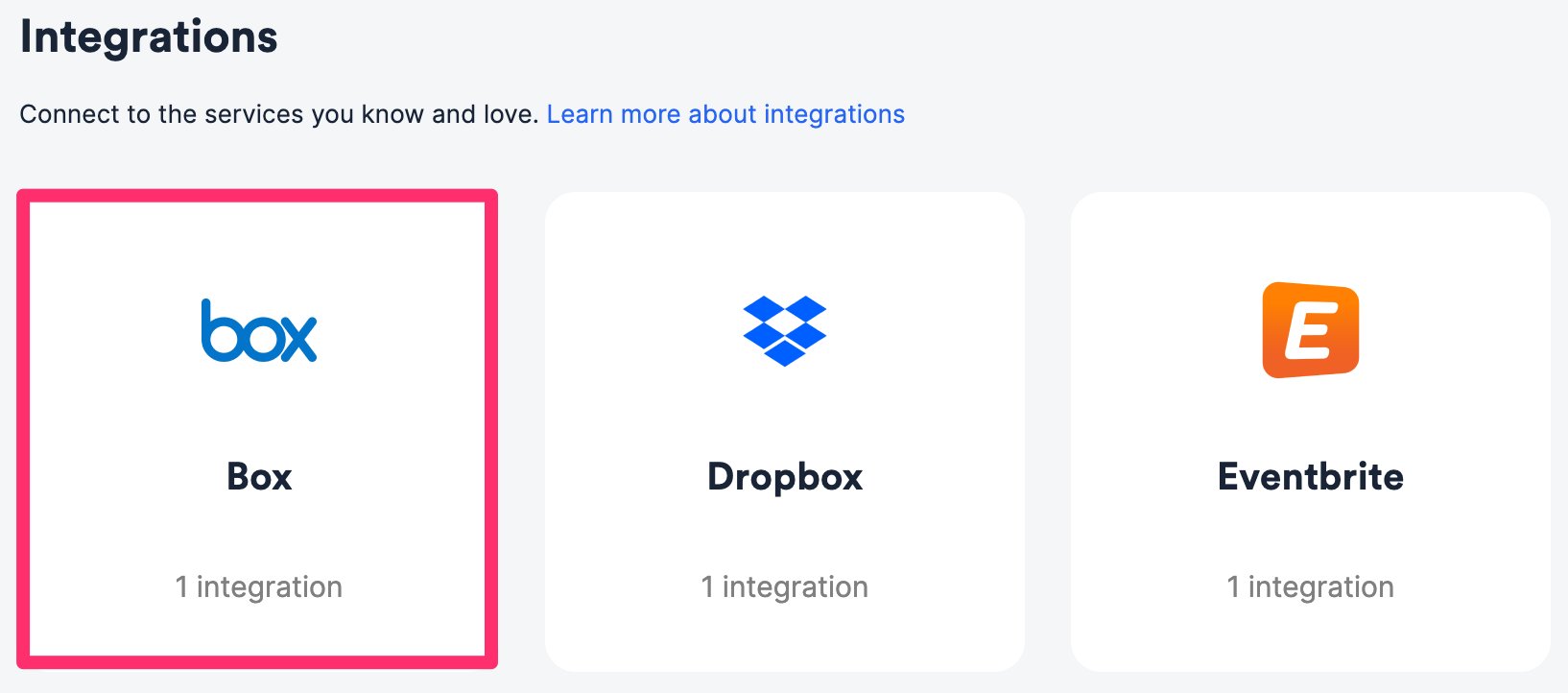
 2. Click on the **Integrations** tab, then click on **Box**.
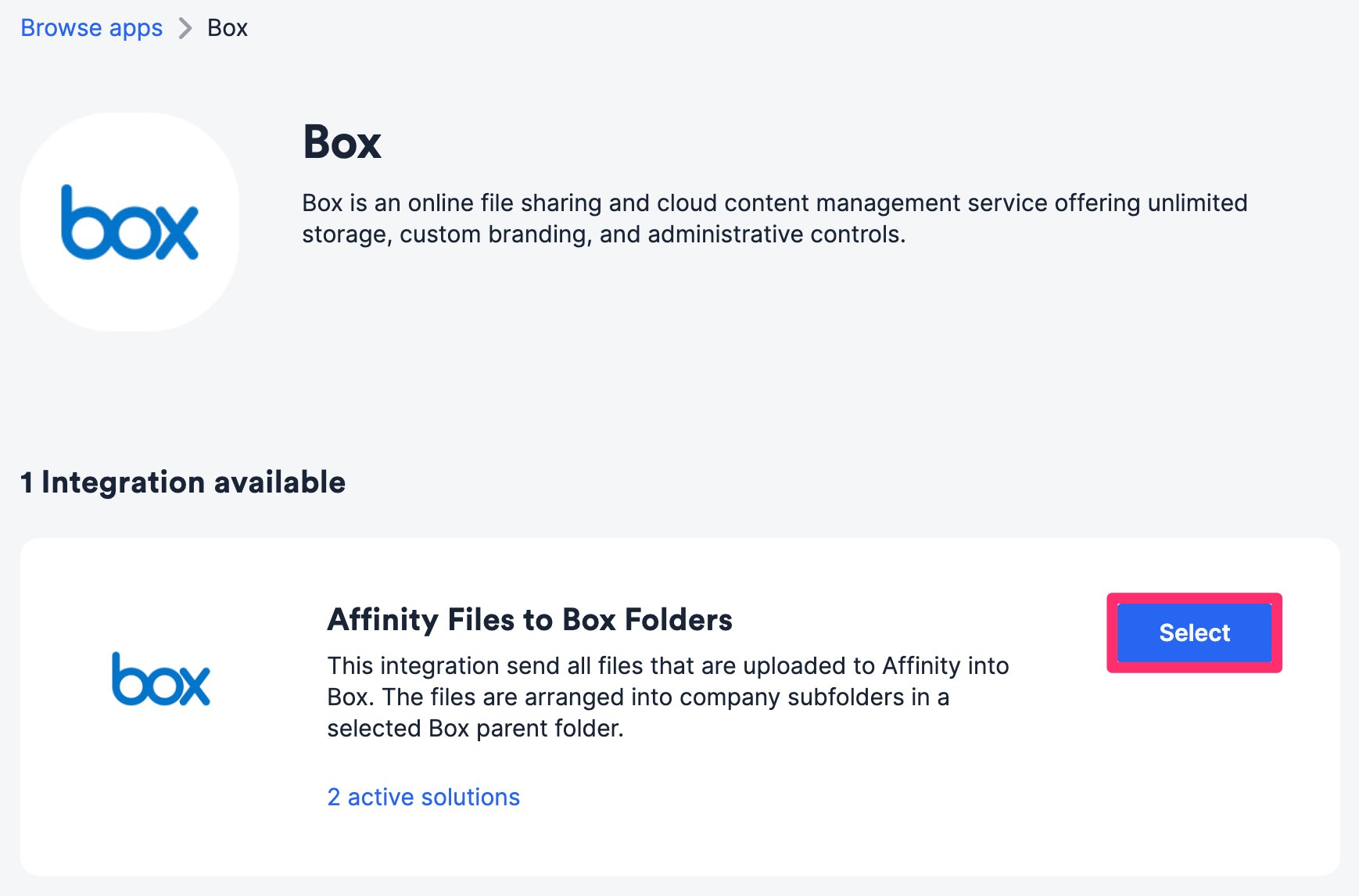
 ## Affinity Files to Box Folders
For all list entries within a specific Affinity list, the files that have been uploaded to these list entries' profile pages will also sync to a specific folder in your Box account.
1. Within the **Affinity Files to Box Folders** integration, click **Select**.
## Affinity Files to Box Folders
For all list entries within a specific Affinity list, the files that have been uploaded to these list entries' profile pages will also sync to a specific folder in your Box account.
1. Within the **Affinity Files to Box Folders** integration, click **Select**.
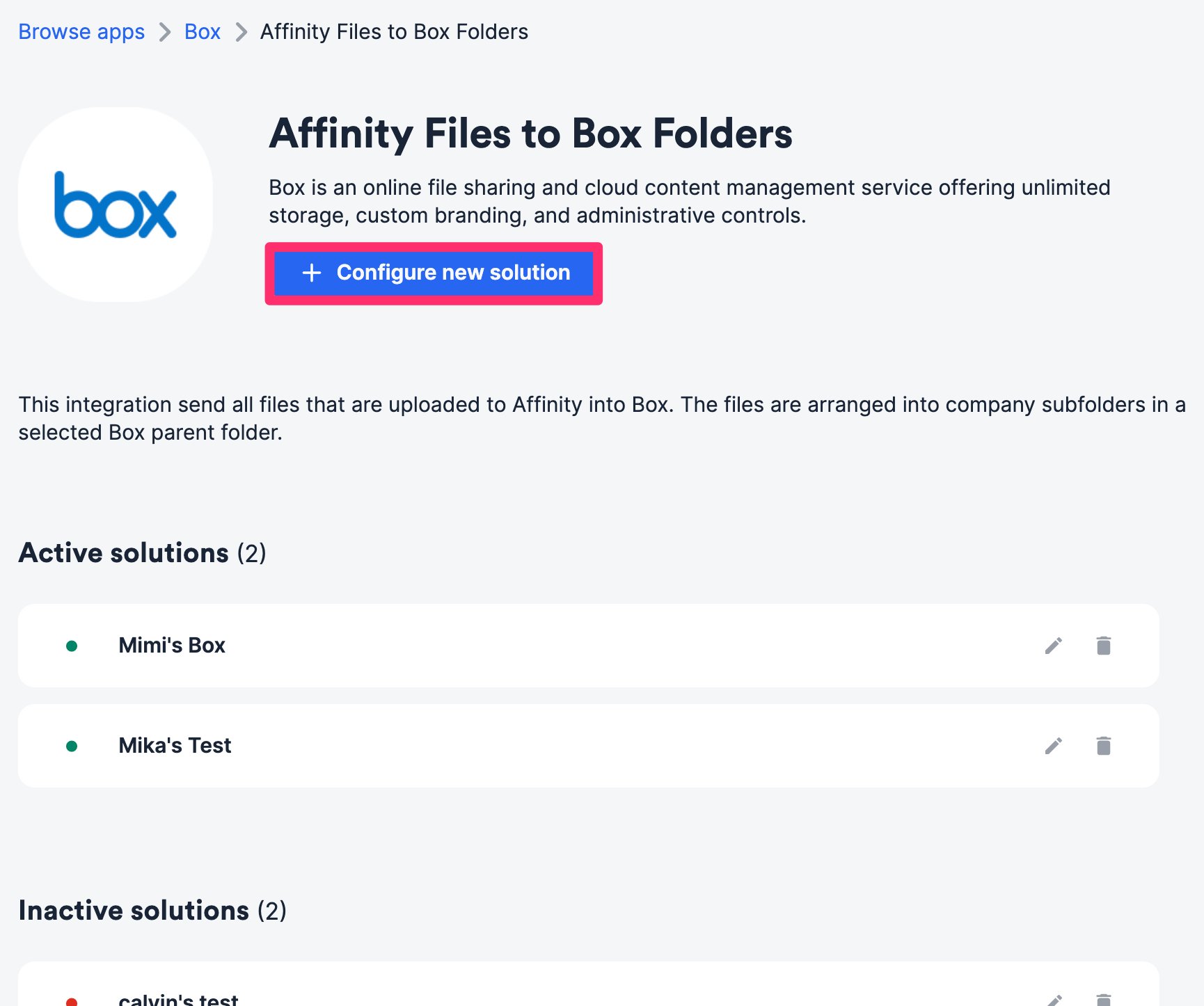
 2. Click **Configure new solution**.
 3. Authenticate your Box account.
4. Select the Affinity list you'd like to sync from. Ideally, you’d also want to have this list approved for [auto-upload](https://support.affinity.co/hc/en-us/articles/360026775591-How-to-upload-remove-files-on-Affinity#h_6b1e3a30-1403-4dc7-811c-1b43355c8227) in your privacy settings as we only sync files that are uploaded to Affinity, not those that remain in the **Found in your email** section.
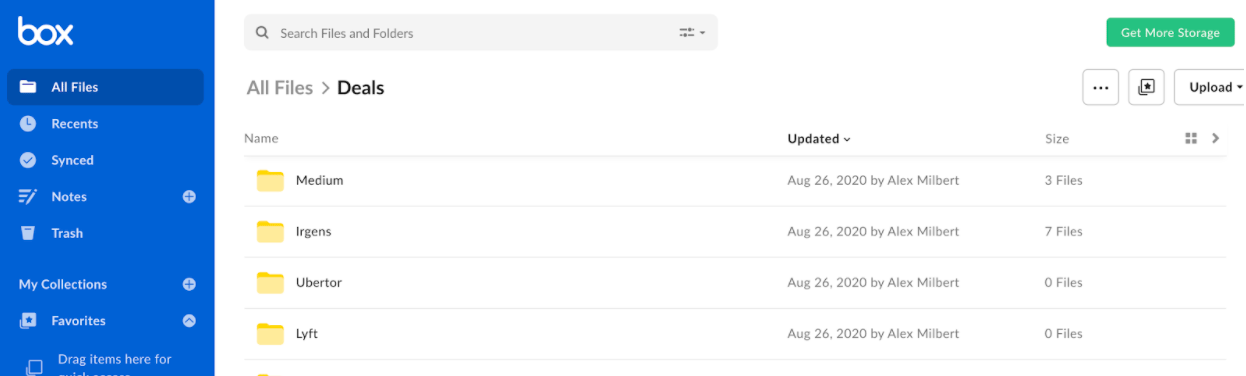
5. Select the Box folder where these uploaded files will sync into. You can find the folder ID in the URL: `https://app.box.com/folder/{folder_id}`. For example, the folder ID for `https://app.box.com/folder/123456` would be **123456**.
3. Authenticate your Box account.
4. Select the Affinity list you'd like to sync from. Ideally, you’d also want to have this list approved for [auto-upload](https://support.affinity.co/hc/en-us/articles/360026775591-How-to-upload-remove-files-on-Affinity#h_6b1e3a30-1403-4dc7-811c-1b43355c8227) in your privacy settings as we only sync files that are uploaded to Affinity, not those that remain in the **Found in your email** section.
5. Select the Box folder where these uploaded files will sync into. You can find the folder ID in the URL: `https://app.box.com/folder/{folder_id}`. For example, the folder ID for `https://app.box.com/folder/123456` would be **123456**.
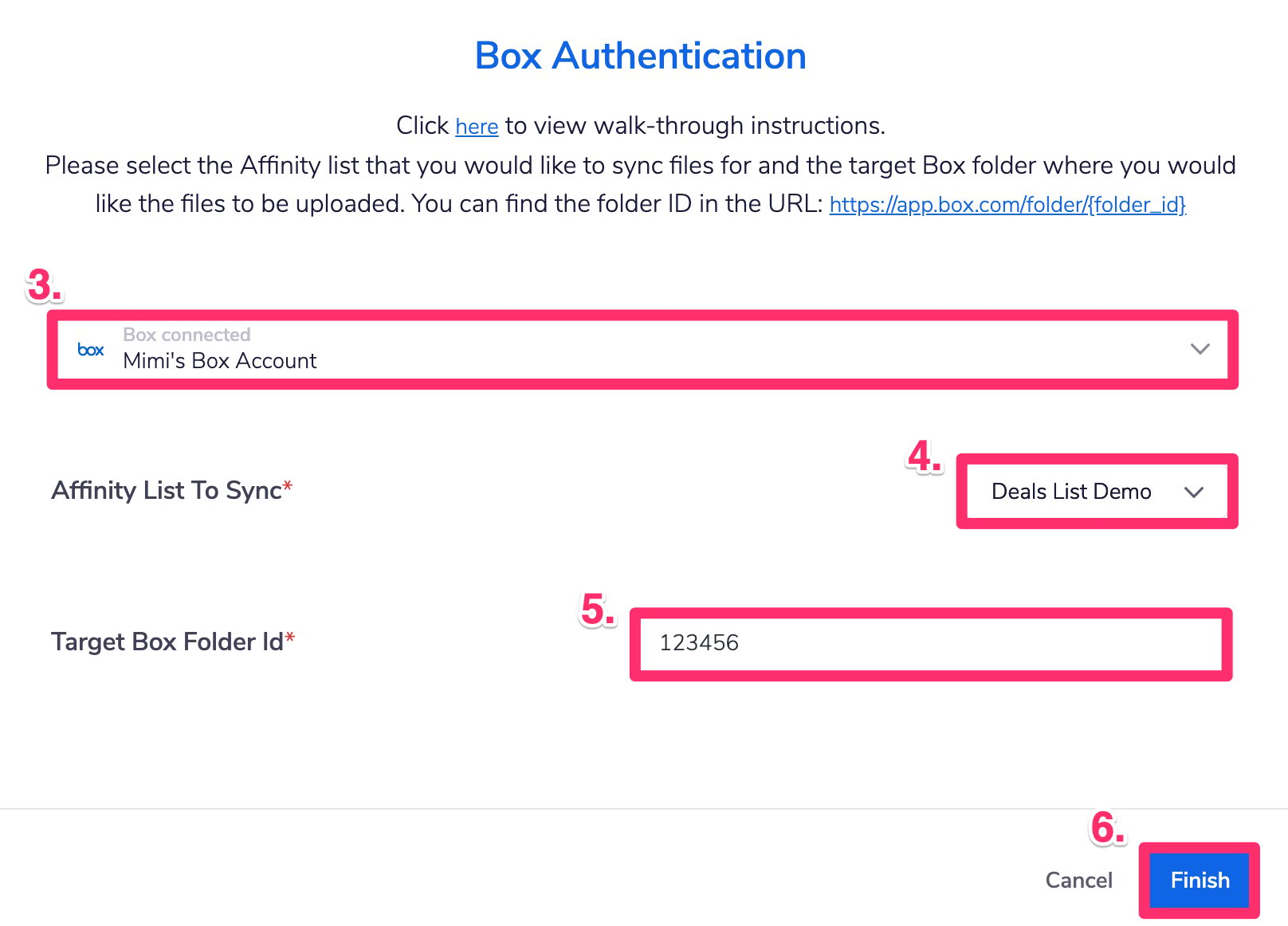 6. Click **Finish** and you are all set! These files will start syncing into the selected folder in your Box account and will create separate folders for each list entry.