> ## Documentation Index
> Fetch the complete documentation index at: https://support.affinity.co/llms.txt
> Use this file to discover all available pages before exploring further.
# Basic Reporting Team Activity Reports
> Help center reference
**Reference** — lookup information.
Team Activity Reports help you gauge the time and effort your team spends interacting with prospects and customers.
* Please note that Basic Reporting is a legacy feature that is no longer available for new customers.
* For those on the **Scale**, **Advanced**, and **Enterprise** tiers, you can leverage advanced reporting features with [Affinity Analytics](/s/article/Getting-started-with-Affinity-Analytics).
* For those on the **Essential** tier, we highly suggest upgrading to the **Scale**, **Advanced**, or **Enterprise** tiers to leverage Affinity Analytics.
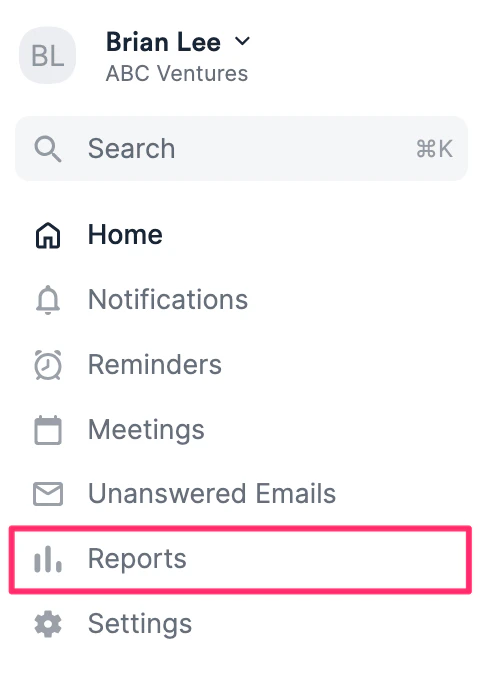
1. Click the **Reports** tab on your global navigation bar.
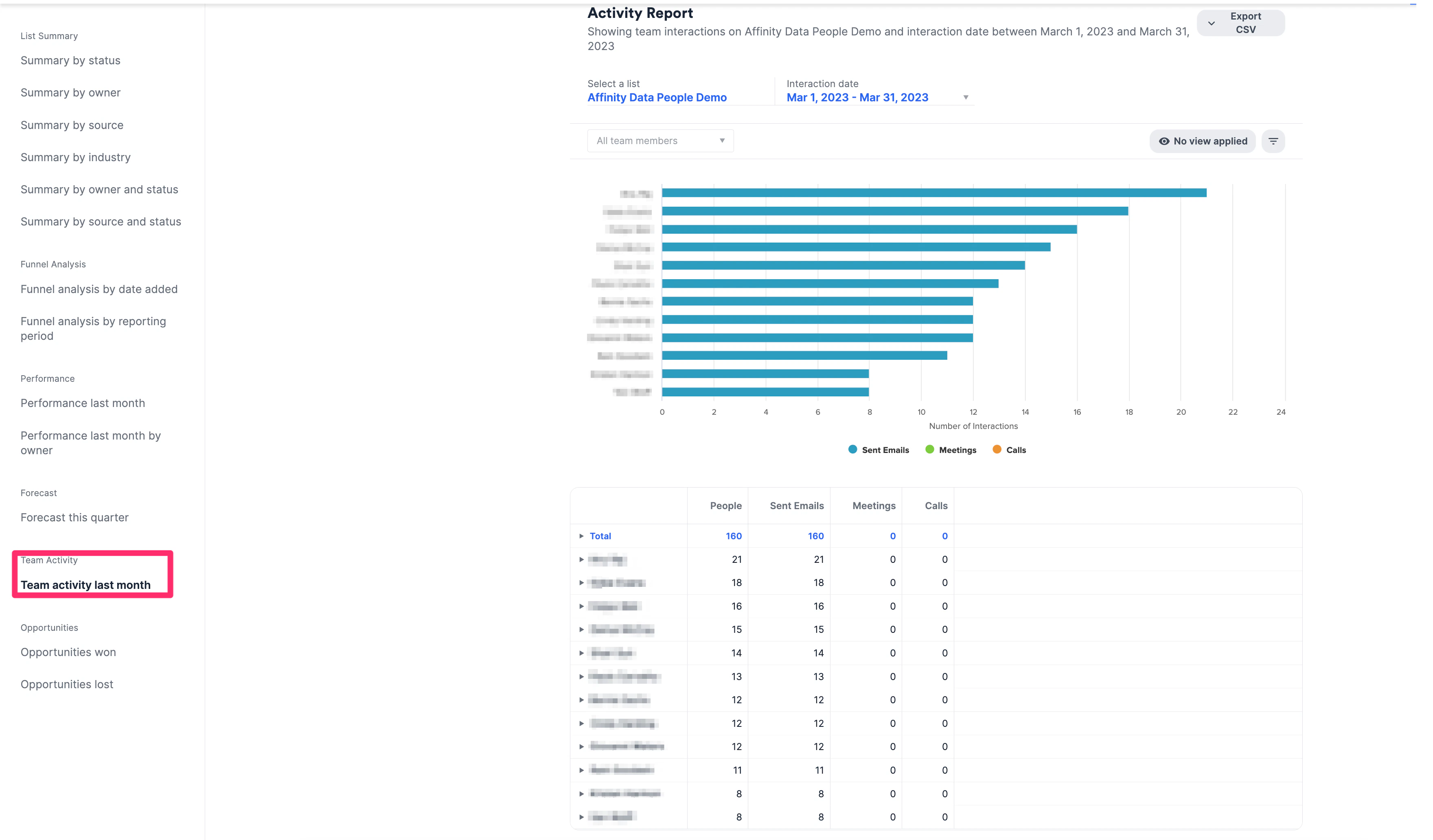
 2. Click **Team activity last month**.
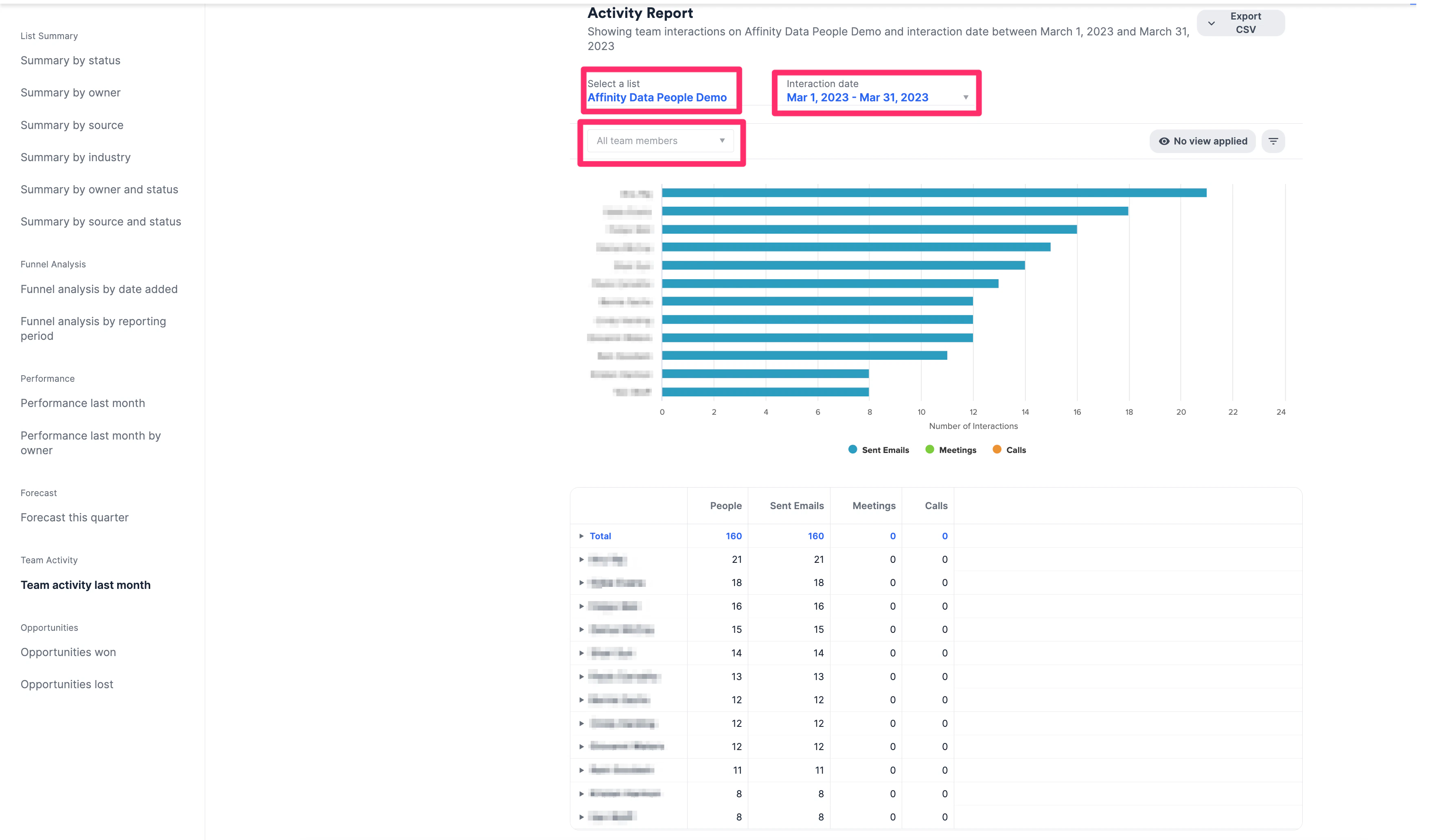
 3. **Select a list** and **Interaction Date** to view how many emails, calls, and meetings your team has across your deals. You can also filter by specific team members.
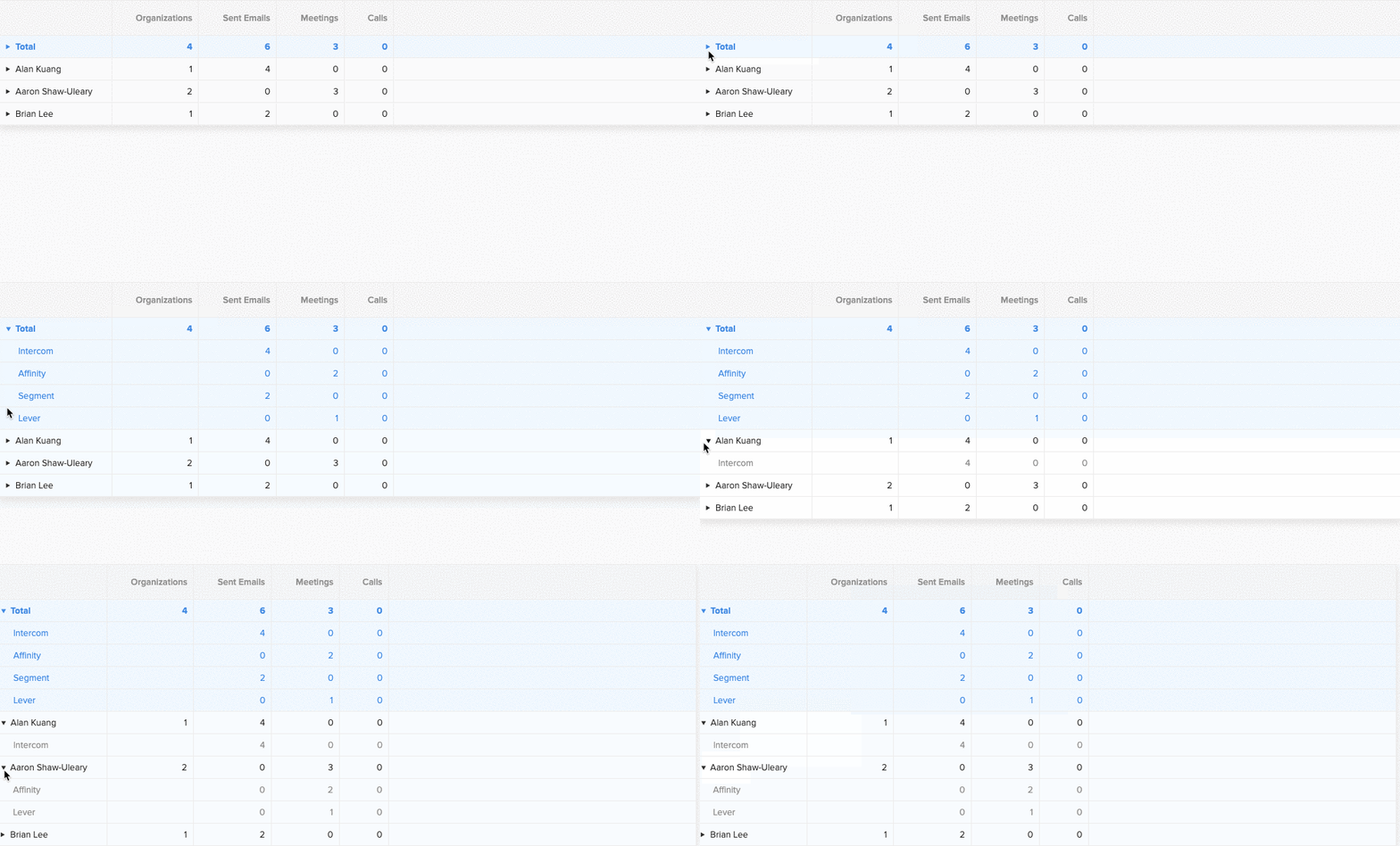
 4. You can get more granular by clicking on the arrow next to each team member. This opens up a new view which allows you to see their interaction break-down by entity.
**Note**: When expanded, the sum of the meetings or calls does not always equal the **Total** row. Hovering over the **Meetings** total or **Calls** total will provide the following explanation: "*This is the number of unique meetings held. When multiple team members attend the same meeting, we count the meeting once. If each team member is counted separately, then the number of meetings held becomes \[X]*"
4. You can get more granular by clicking on the arrow next to each team member. This opens up a new view which allows you to see their interaction break-down by entity.
**Note**: When expanded, the sum of the meetings or calls does not always equal the **Total** row. Hovering over the **Meetings** total or **Calls** total will provide the following explanation: "*This is the number of unique meetings held. When multiple team members attend the same meeting, we count the meeting once. If each team member is counted separately, then the number of meetings held becomes \[X]*"